




















https://www.youtube.com/embed/hySTjkoJKSs

Which language would you like to use?





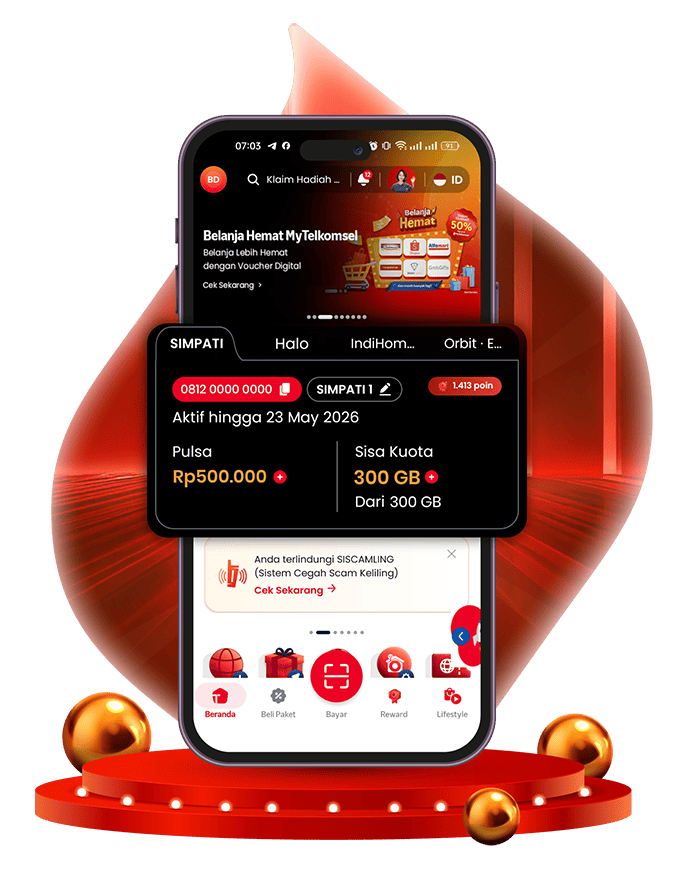


Personalisasi akun sesuai kebutuhan untuk akses layanan yang lebih mudah.
Berbagai rekomendasi sudah dikurasi sesuai kebutuhanmu.
Dapatkan penawaran spesial. Harga terbaik dengan waktu terbatas.
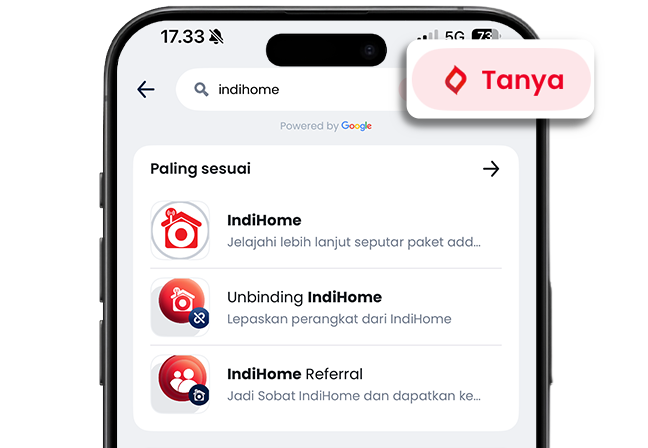
Hasil pencarian makin relevan dengan bantuan Tanya Vero.
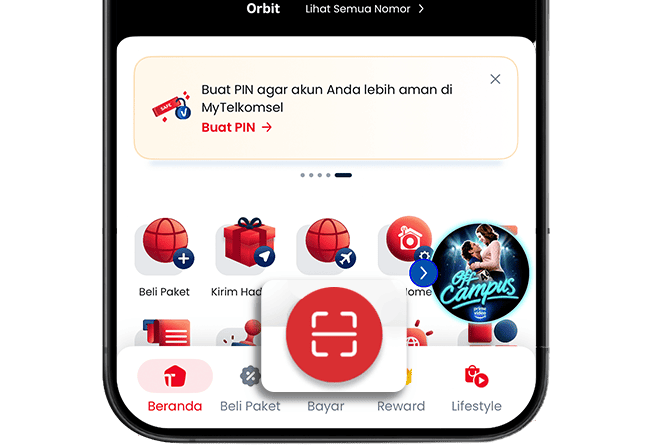
Bayar kebutuhan harian jadi lebih praktis, cukup scan QRIS langsung di aplikasi MyTelkomsel.
Lihat langsung keuntungan yang didapatkan dari setiap promo.
Kumpulkan Poin dan tukarkan dengan reward favorit kapan saja.
Akses berbagai kebutuhan dari gaya hidup hingga layanan harian lebih praktis.
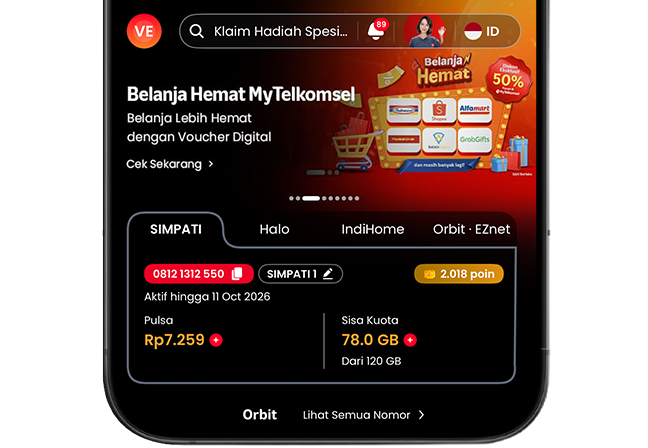
01
Kelola Nomor Utama
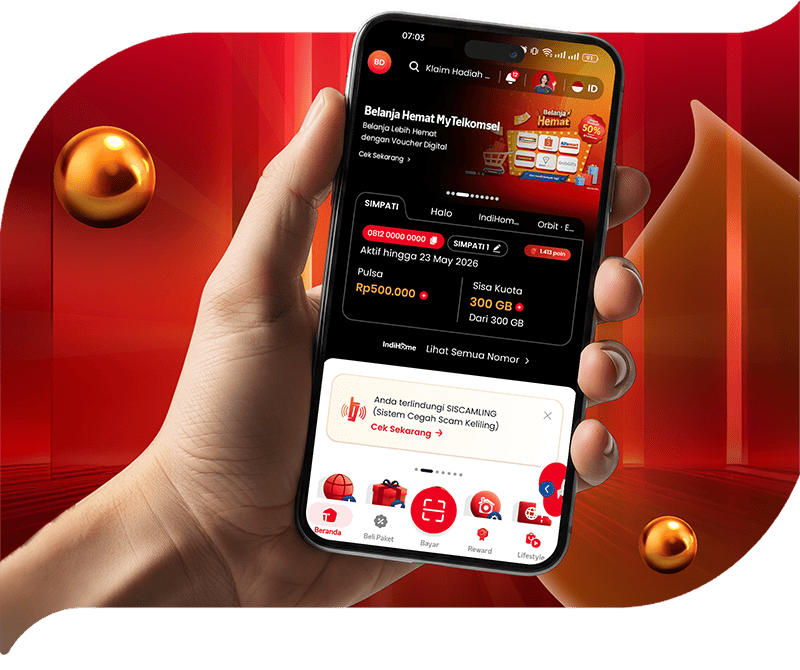
Klik "Lihat Semua Nomor" atur dan lihat semua nomor jadi lebih praktis
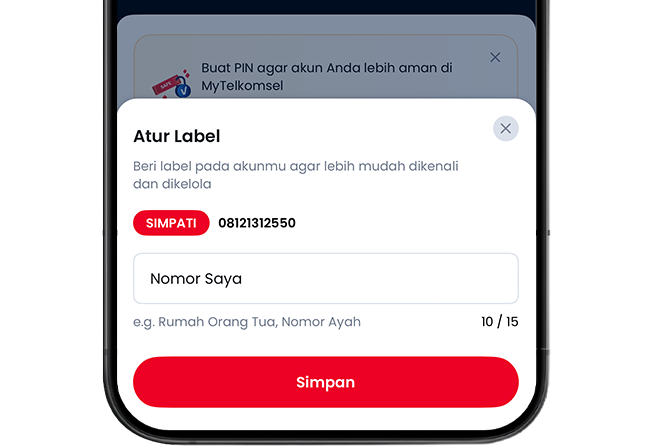
02
Tambahkan Akun
Hubungkan nomor yang sudah Anda miliki ke dalam akun atau beli nomor & modem baru
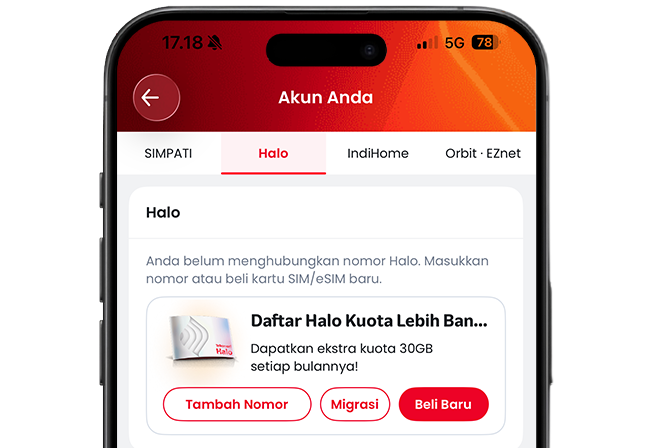
03
Personalisasi Akun
Beri label pada akunmu untuk memudahkan kelola
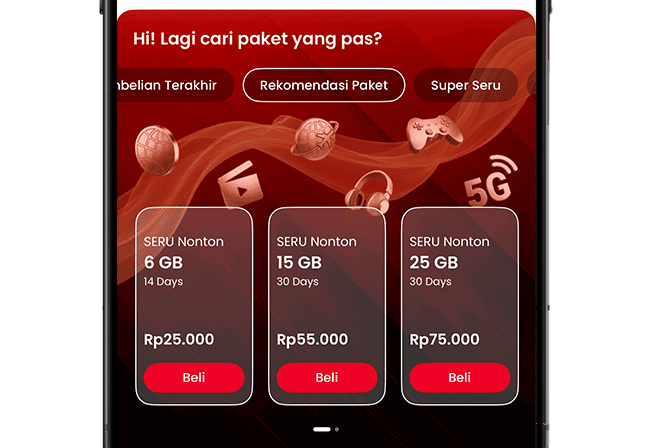
01
Pembelian Terakhir
Lihat paket yang terakhir dibeli.
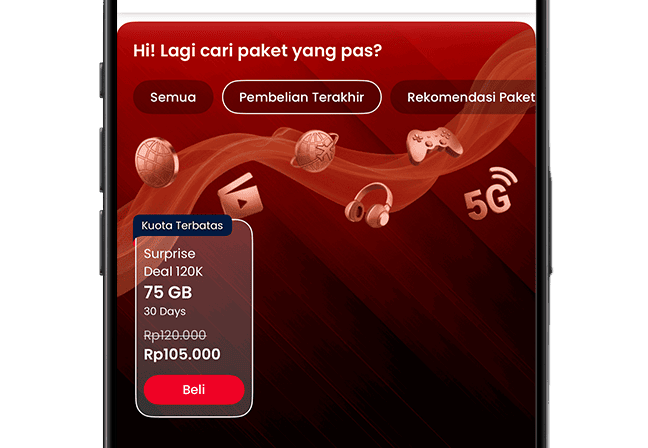
02
Rekomendasi Paket
Berbagai pilihan paket berdasarkan riwayat pembelian.
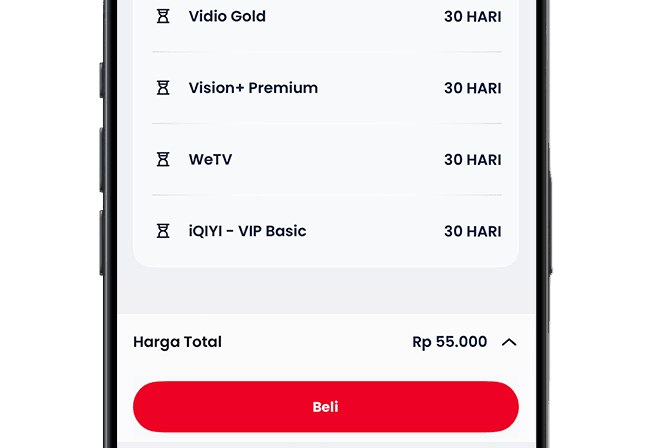
03
Lanjutkan Pembelian Paket
Cek rincian paket, klik “Beli Paket”, dan selesaikan pembayaran.
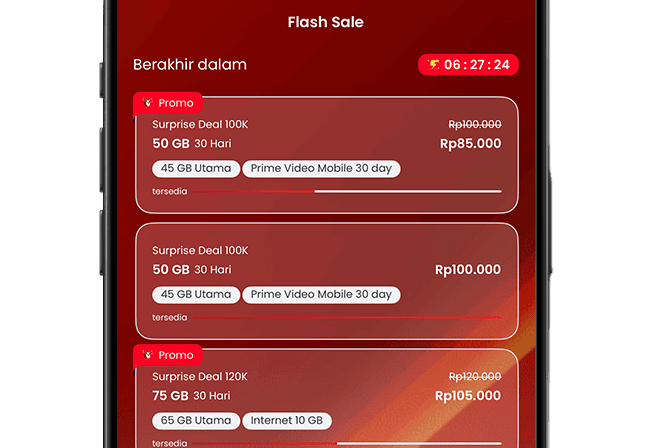
01
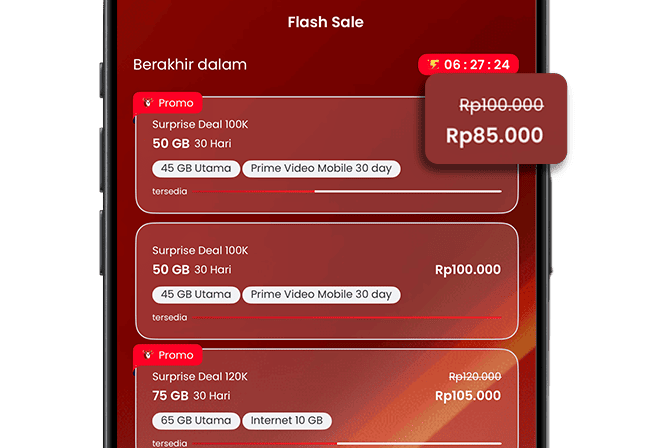
Penawaran Spesial
Beragam pilihan paket spesial.
02
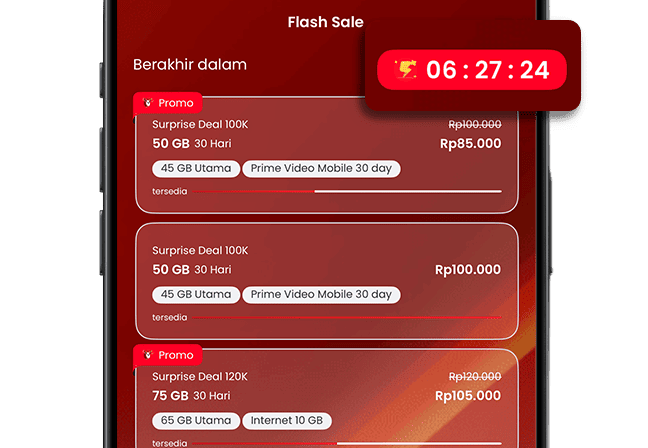
Harga Terbaik
Nikmati harga paket yang lebih terjangkau.
03
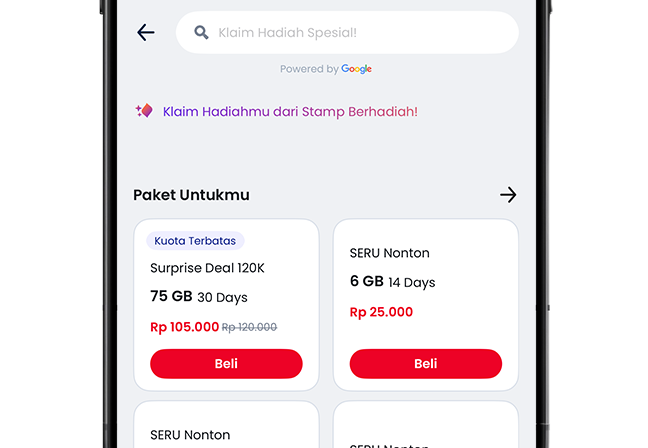
Terbatas Waktu
Penawaran terbatas selama periode tertentu.
01
Rekomendasi paket terbaik
Beragam pilihan rekomendasi paket
02
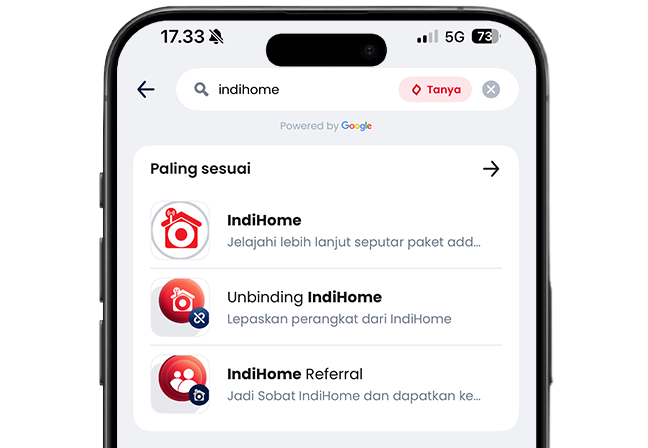
Pencarian lebih relevan
Hasil pencarian lebih relevan untuk setiap pelanggan.
03
Langsung Tanya Vero
Ketik kata kunci, lalu klik "Tanya" agar Veronika bisa membantu menemukan rekomendasi sesuai kebutuhan.
01
Akses QRIS
Klik "Bayar" pada menu navigasi.
02
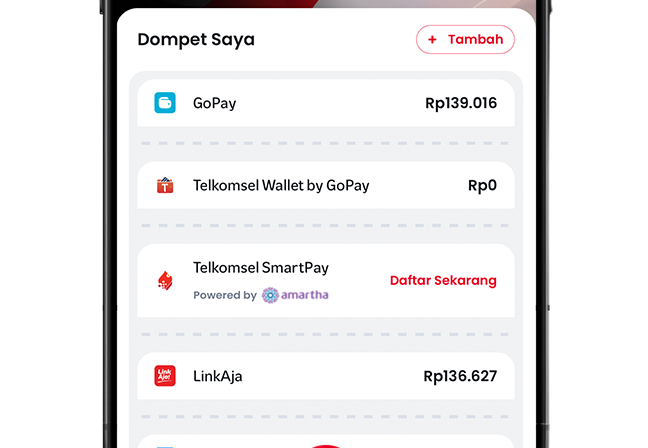
Pilih e-wallet
Pilih e-wallet yang ingin digunakan untuk pembayaran.
03
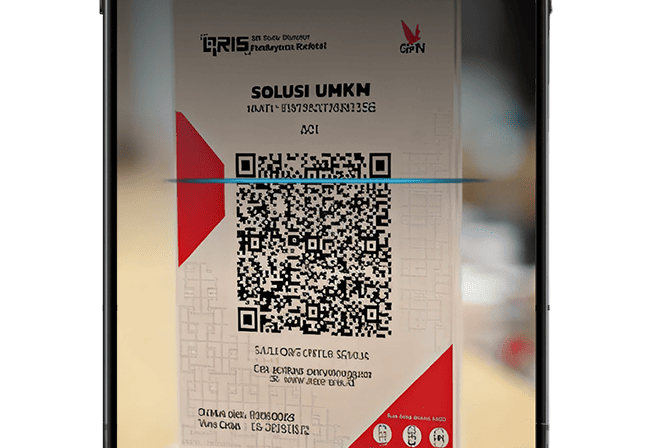
Scan barcode
Arahkan kamera pada barcode untuk scan QRIS lalu bayar.
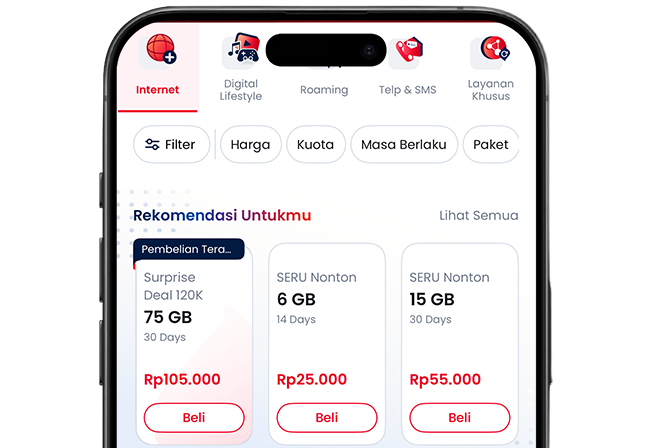
01
Akses Beli Paket
Klik “Beli Paket” pada menu navigasi dan pilih paket.
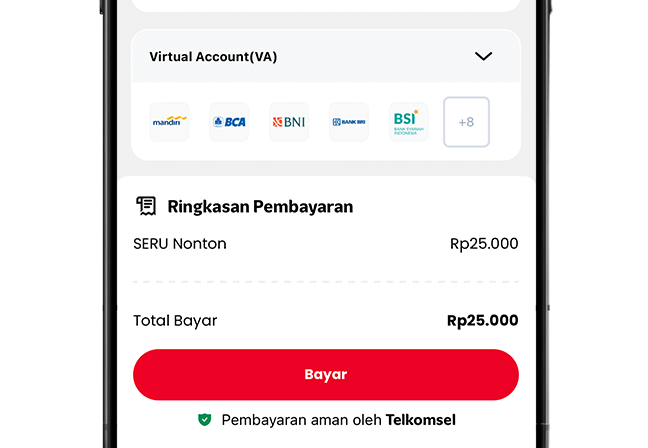
02
Pilih pembayaran
Pilih metode pembayaran yang ingin digunakan.
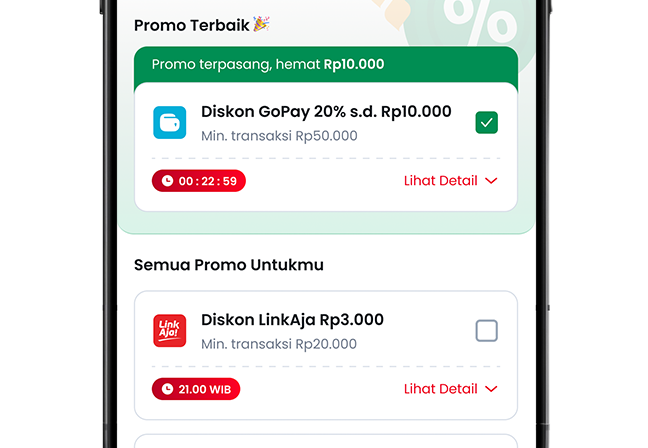
03
Dapatkan promo
Lihat semua promo terbaik dan gunakan untuk raih benefitnya.
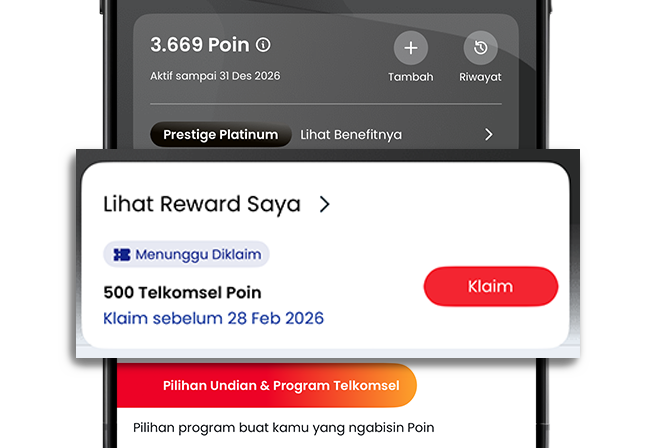
01
Akses Hadiah
Klik "Lihat Hadiah Saya" di halaman Reward.
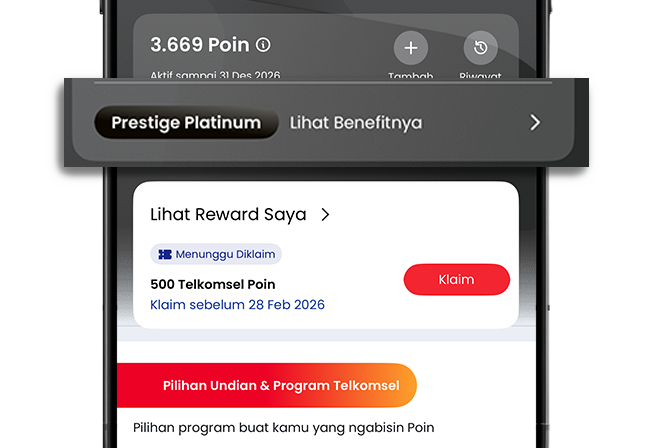
02
Cek Tier
Klik "Lihat Benefitnya" untuk melihat keuntungan pada tier.
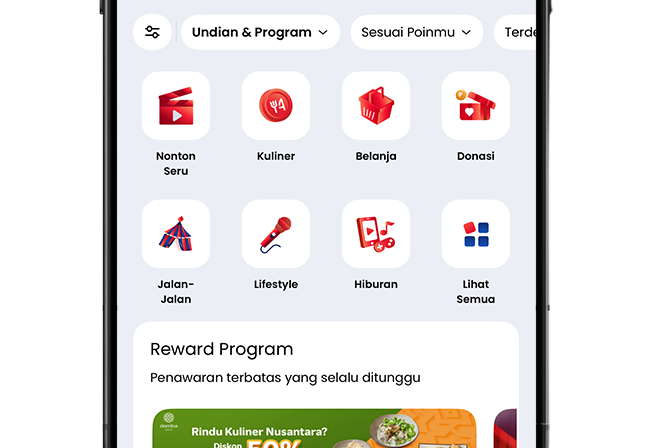
03
Tukar Poin
Pilih reward program yang diinginkan dan tukar Poin jadi benefit.
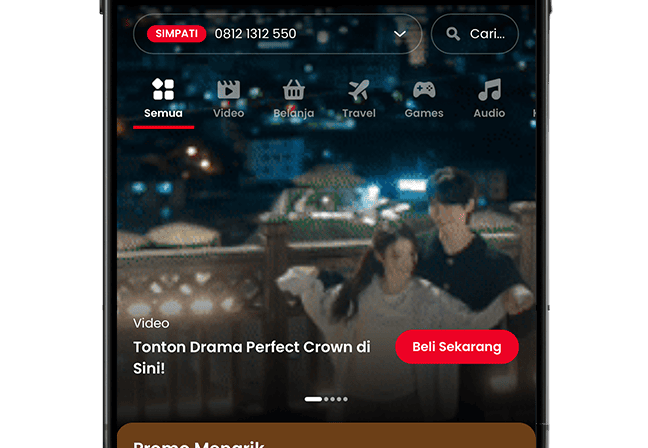
01
Akses Lifestyle
Klik menu "Lifestyle" pada menu navigasi.
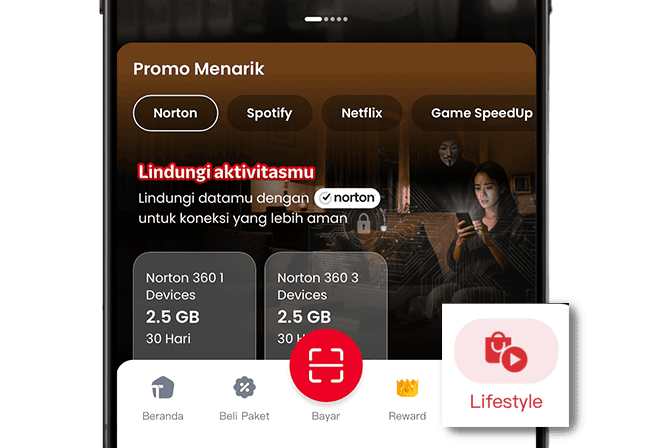
02
Temukan kebutuhan
Temukan berbagai kebutuhan gaya hidup sampai layanan harian.
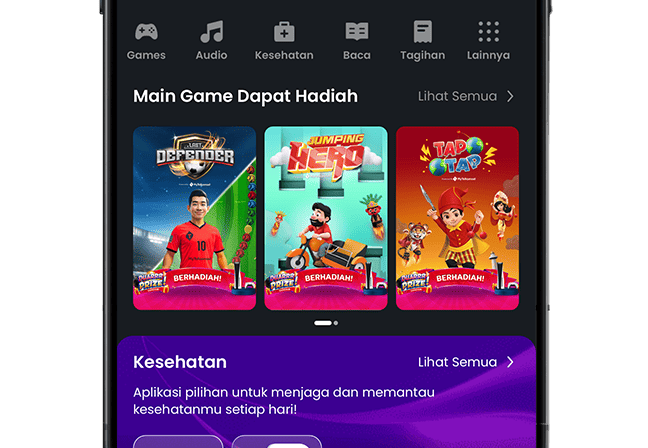
03
Menangin Hadiah
Mainkan gamenya dan dapatkan hadiahnya.
Minimum device conditions and limited telecommunications networks are not a problem. Make it easier with MyTelkomsel Basic.
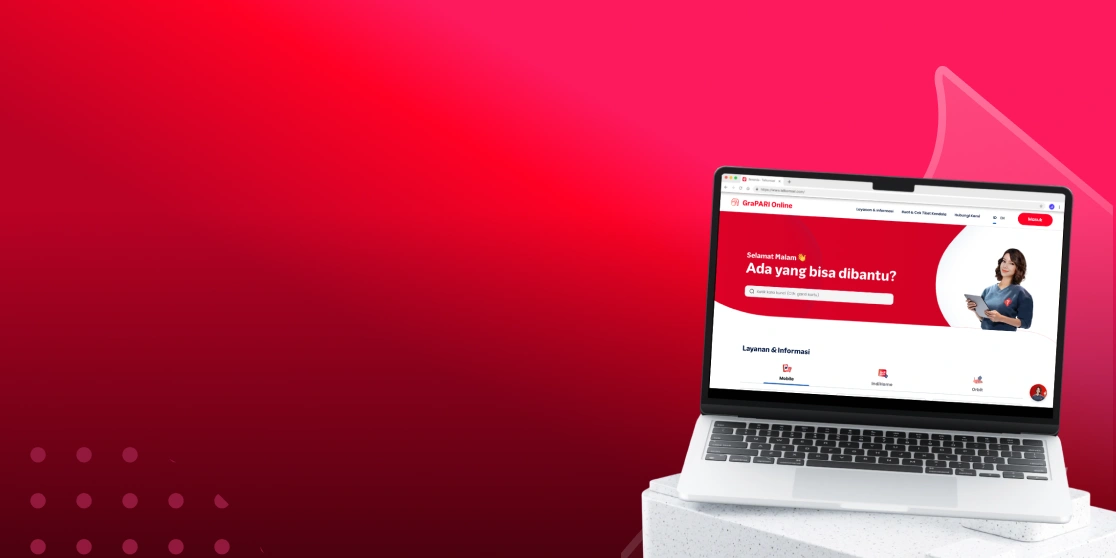
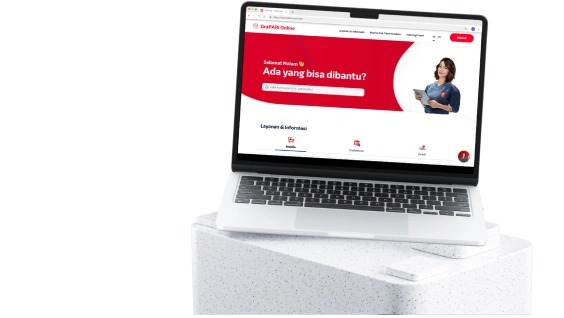
Go to the MyTelkomsel website to easily access our main digital features!