



























https://www.youtube.com/embed/7lOGgnWDye4?si=jjkODHAOcy_agwsL

Which language would you like to use?



SISCAMLING (Sistem Cegah Scam Keliling) provides proactive and adaptive AI-based protection with various features, including suspicious call alerts, SMS blocking, and number verification.
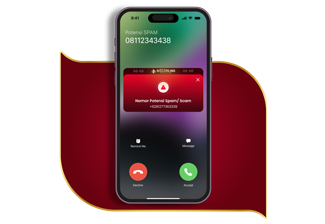
01
Protection from suspicious calls
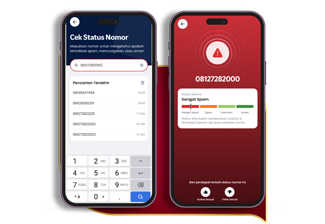
02
Check the number, identify the risks
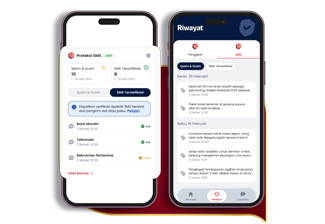
03
Monitor stats and SMS history
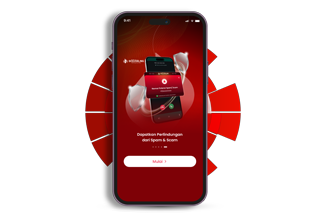
01
Access SISCAMLING feature
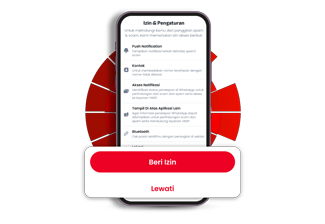
02
Grant a Setting access
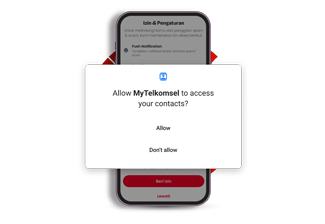
03
Grant access to Contact
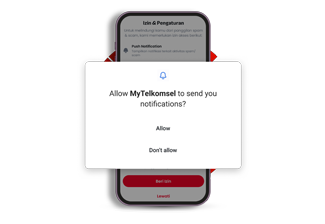
04
Grant access to send notifications
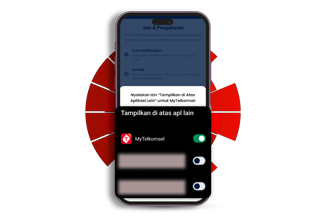
05
Allow MyTelkomsel to show above other apps
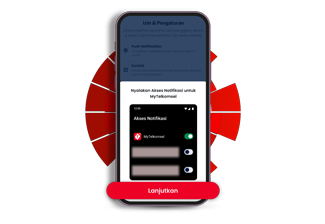
06
Turn the notification on
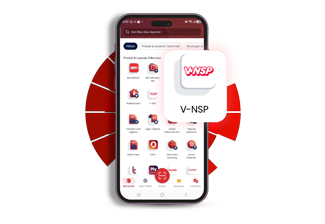
01
Find V-NSP feature on MyTelkomsel
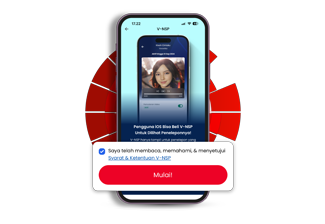
02
Tap "Start" to explore the feature
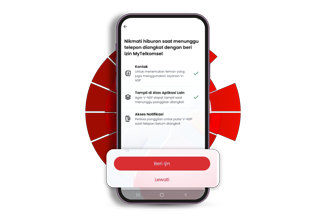
03
Grant an access to activate the feature
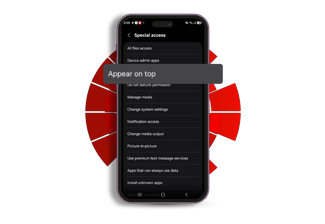
01
Allow the feature to appear on top
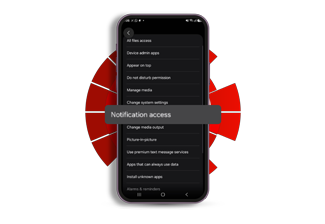
02
Find "notification access"
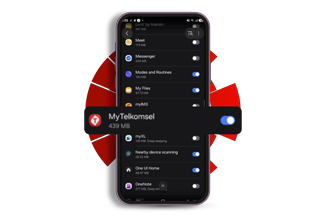
03
Activate MyTelkomsel toggle in the Settings
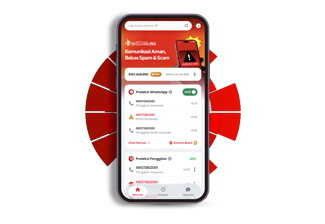
04
Ensure SISCAMLING is active
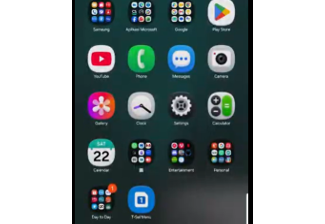
01
Access Settings
Find the "Settings" menu on your device.
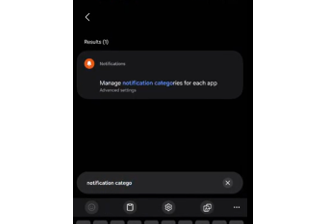
02
Search for "Manage notification categories"
Enter the keyword "Notification categories" and select "Manage notification categories for each app".
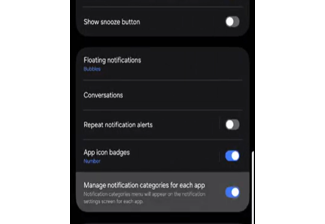
03
Manage Notifications
Ensure the "Manage notification categories for each app" setting is enabled.
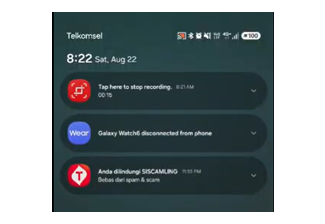
04
Access the Notification Center
Tap and hold the “Anda dilindungi SISCAMLING” notification and select the settings icon.
05
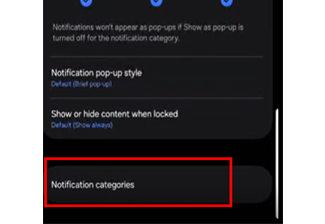
Notification Categories
Select the “Notification Categories” menu.
06
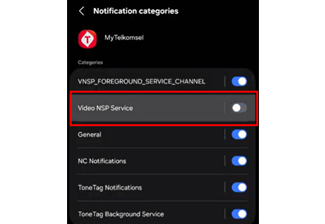
MyTelkomsel Category Notifications
Ensure that only the “Video NSP Service” category is turned off.
01
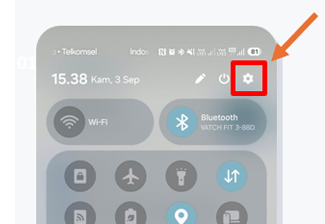
Open “Settings”
Swipe up the Quick Panel and choose “Settings” icon.
02
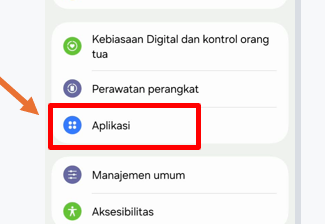
Choose the App
Go to the “Apps” menu to manage the permission setting.
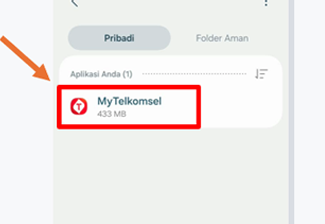
03
Find MyTelkomsel
Use the search feature to find and choose MyTelkomsel App.
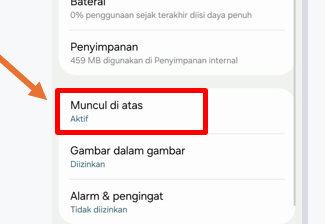
04
Unlock the Overlay Permission
Tap the “Appear on top” or “Display over other apps” menu.
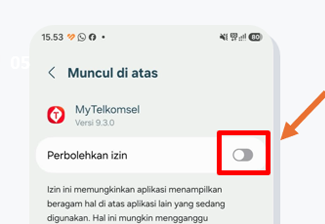
05
Disable the Permission
Turn the “Allow Permission” toggle off.
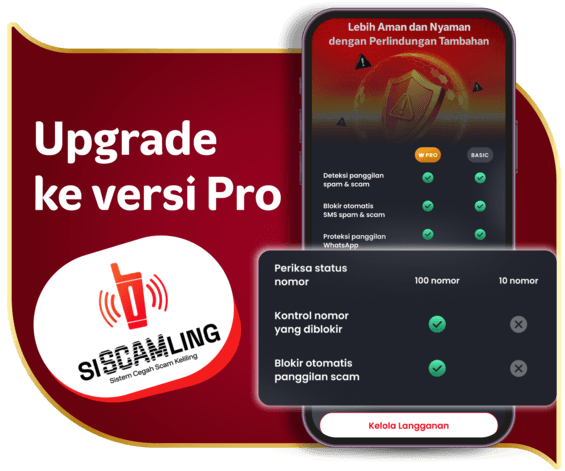
Upgrade to SISCAMLING Pro version to protect yourself from spams and scams through call alerts, SMS block, and number checking.
What is SISCAMLING?

What features and protections does SISCAMLING offer?
What are the requirements to get SISCAMLING services?
What happens when I receive a call or SMS identified as spam/scam?
Can I report incorrect spam/scam labeling?
How does SISCAMLING identify spam/scam numbers?
What if I don’t enable VoLTE or my device doesn’t support VoLTE?
How do I disable SISCAMLING notifications on Samsung devices?
Terms and Conditions of SISCAMLING Services