


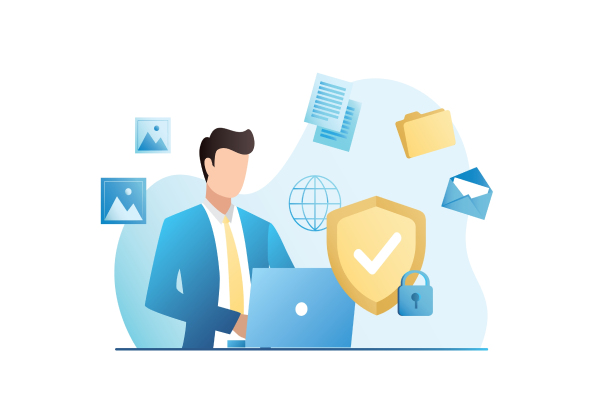


In today’s hyper-connected digital landscape, ensuring a secure internet connection is no longer optional, but it's essential. For businesses, data breaches, malware attacks, and unauthorized access can lead to significant financial losses and reputational damage.
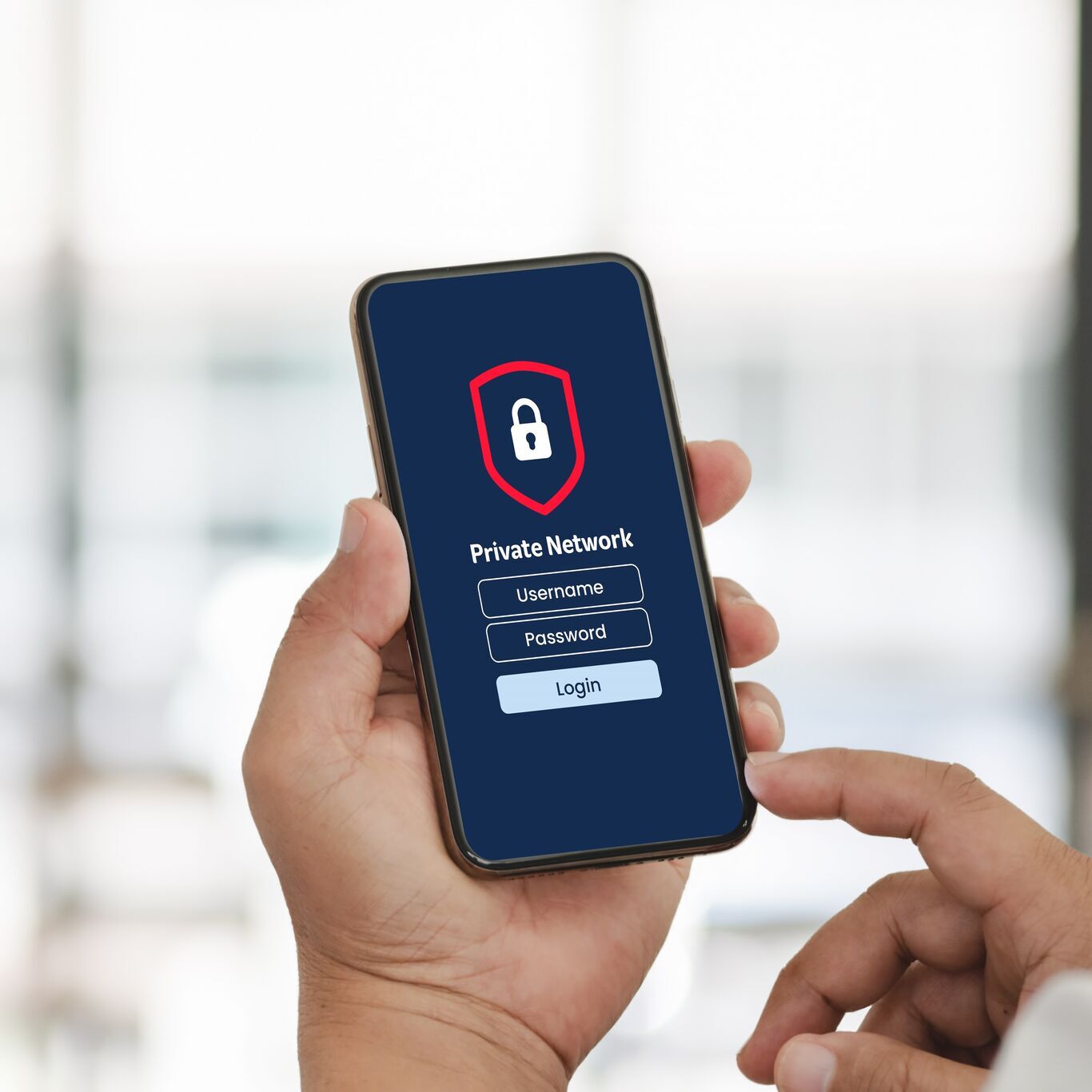
One of the most effective ways to ensure a secure internet connection is by implementing a Private Network, a dedicated, encrypted network that separates your business traffic from public internet exposure.
The Importance of Staying Safe Online
But beyond infrastructure, understanding how to connect to the internet securely and how to use the internet safely is equally important for long-term cybersecurity resilience.
1. Protecting Sensitive Data
Every business handles sensitive information such as customer details, employee records, financial transactions. Without a secure connection, this data is vulnerable to theft or misuse. Knowing how to connect to the internet securely helps prevent unauthorized access and keeps your company’s critical assets safe.
2. Preventing Hacks and Unauthorized Access
Hackers are constantly looking for weak spots in your system. From brute-force attacks to credential theft, the risks are real. By following best practices like strong passwords and two-factor authentication, you can significantly reduce your exposure to cyberattacks.
3. Preserving Online Privacy
Privacy isn’t just for individuals, but businesses also need to protect internal communications and confidential operations. Using tools like VPNs (Virtual Private Networks) allows you to maintain control over who sees your data and where it goes.
4. Avoiding Malware and Viruses
Malicious software can enter your system via unsafe websites, email attachments, or even outdated software. A secure internet connection, along with up-to-date antivirus tools, can act as your first line of defense.
5. Staying Clear of Online Scams
Phishing, fake investment schemes, and social engineering attacks are becoming more sophisticated. Training employees on how to use the internet safely and verifying sources before clicking links or sharing data can help avoid costly mistakes.
Common Mistakes People Make When Browsing Online
Many cyber threats arise not from advanced hacks but from simple, avoidable mistakes, such as:
-
Using weak passwords like “123456” or “password”
-
Reusing the same password across multiple accounts
-
Visiting unverified or suspicious websites
-
Ignoring system and antivirus updates
-
Clicking on links without checking their safety
-
Submitting personal or company data on unsecured websites
-
Using public WiFi without protection
-
Oversharing personal details on social media
Avoiding these habits is the first step to building a safer digital environment.
6 Essential Tips How to Connect to the Internet Securely
To keep your digital operations safe, follow these best practices for a secure internet connection:
1. Use Strong, Unique Passwords
A strong password should be at least 12 characters long, combining uppercase and lowercase letters, numbers, and special symbols. Avoid using personal information that can be easily guessed. Use a password manager to store and generate secure credentials.
2. Enable Two-Factor Authentication (2FA)
Two-factor authentication adds an extra layer of security by requiring a second form of verification like a one-time code sent to your phone or email. Even if your password is compromised, 2FA makes it much harder for attackers to gain access.
3. Be Alert to Phishing Attempts
Phishing attacks often come disguised as legitimate messages. Always double-check the sender’s email address, avoid clicking on unexpected links, and verify the website’s security protocol (look for HTTPS in the URL).
4. Install Antivirus and Firewall Protection
Antivirus programs detect and remove malicious software, while firewalls monitor and block suspicious network activity. Keep both updated regularly to defend against the latest threats.
5. Backup Your Data Regularly
Ransomware and accidental deletions can cripple your business. Back up important files frequently to external drives or secure cloud storage solutions so you can quickly recover in case of an incident.
6. Use a Secure Internet Connection
Avoid using public Wi-Fi for sensitive tasks. If you must connect to a public network, always use a VPN (Virtual Private Network) to encrypt your data and hide your online activity from prying eyes.
One of the most reliable ways to secure your internet connection is by using a private network. With a private, encrypted channel, your company gains a higher level of control, reduced exposure to external threats, and enhanced performance for sensitive business operations.
Telkomsel Enterprise offers dedicated Private Network solutions tailored for businesses seeking robust internet security. Whether you're handling sensitive client data or running cloud-based applications, our private network ensures your connection remains protected and efficient.
Knowing how to use the internet safely isn’t just about avoiding viruses, but it’s about protecting your brand, your clients, and your bottom line. Start with simple security measures, use a secure internet connection, and consider investing in a private network to stay ahead of cyber threats.
Ready to secure your business’s internet connection? Contact Telkomsel Enterprise today to learn more about our private network solutions.