










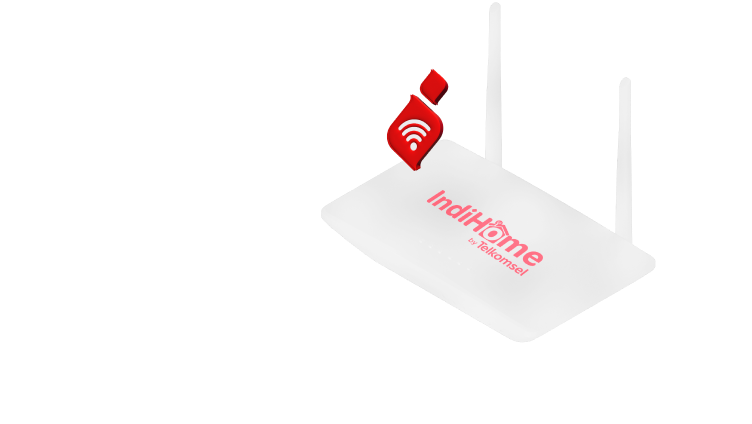





















• Access via browser and enter 192.168.1.1 for router settings.
• Select the 'Network' menu on the left side of the screen, then select the Wireless or WLAN submenu.
• Then, select the 'Settings' option and click 'Security'.
• In the column WPA Passphrase, enter the desired new password.