Which language would you like to use?



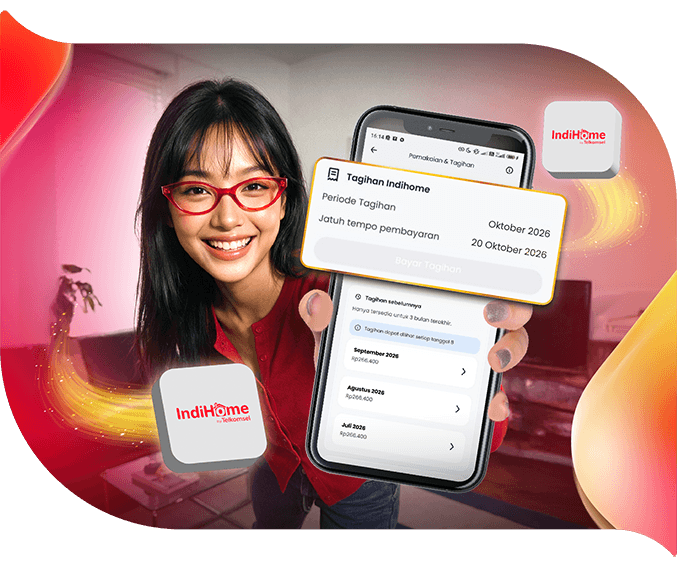
Enjoy the ease of paying IndiHome, Halo, BPJS, PLN, and other bills more seamlessly with Pay All at Once in the MyTelkomsel App.
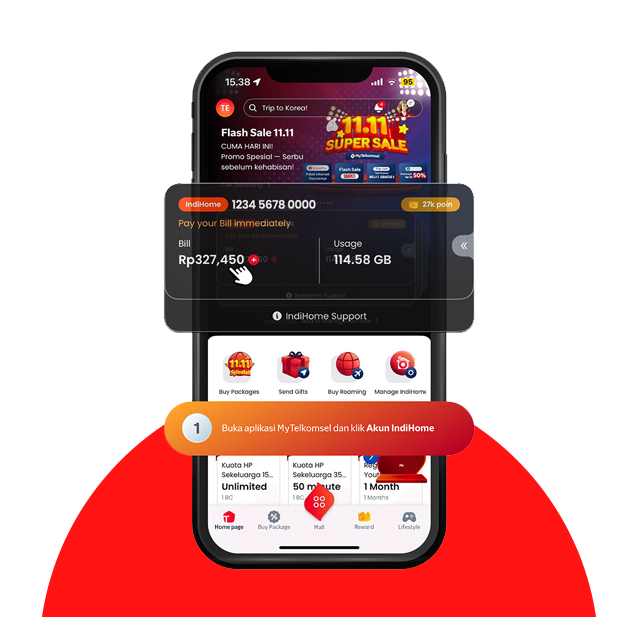


Log in to the MyTelkomsel App using your IndiHome number, email address, or mobile number linked to IndiHome. After logging in, tap "IndiHome Account/Akun IndiHome".
Tap the "Pay Bills" feature on the IndiHome homepage.
You will be taken to the "Pay All at Once/Bayar Sekaligus Indico" page. Review the applicable terms and conditions, then click "Continue".
Put a check sign for your IndiHome bill, and click "Continue/Lanjut". You can also add other bills, such as Halo, BPJS, PLN, or others, by clicking "Add Bill/Tambah Tagihan".
Choose from available payment methods by clicking "See All/Lihat Semua".
Available options include QRIS, Virtual Account, and e-wallets. Select your preferred method and click "Select/Pilih" to proceed.
Check the bill and payment details, then click "Pay Now/Bayar Sekarang".
Finish the payment using your selected method. Once done, click "Payment Completed/Sudah Bayar".
If this month's total spending already showed up, it means your bill payment has been successful. You can view your monthly payment history.