Which language would you like to use?



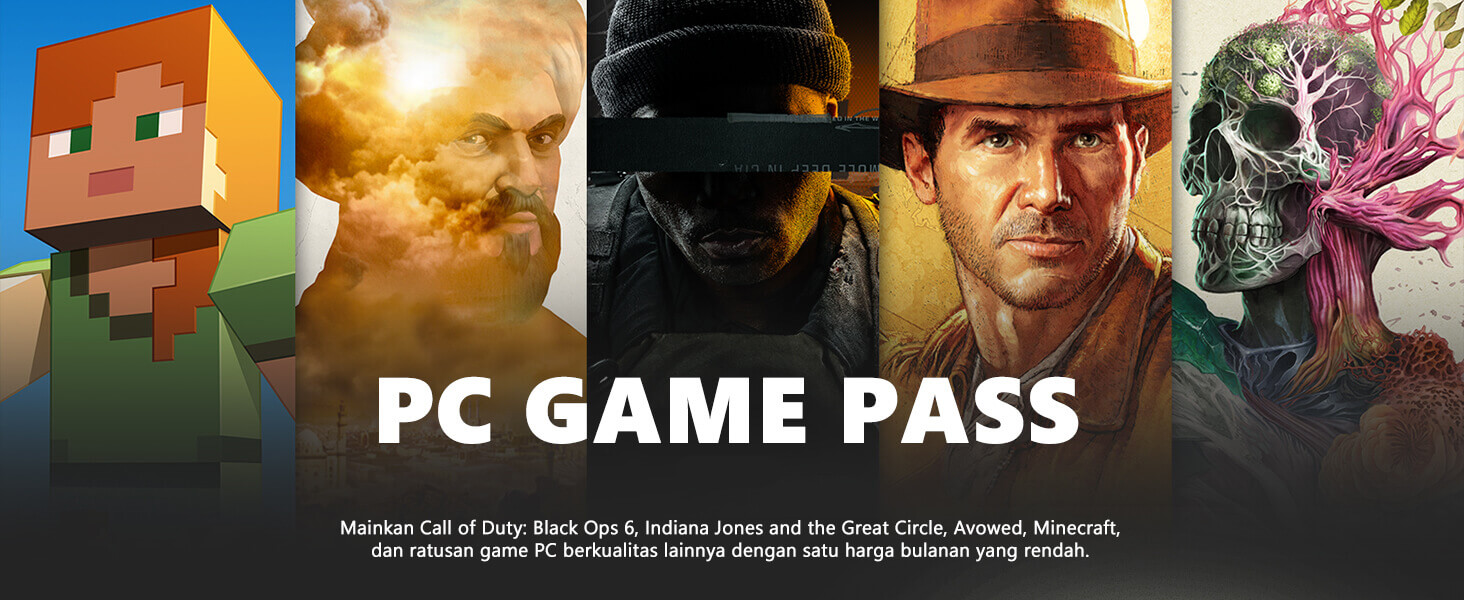
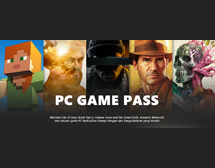
Play Call of Duty: Black Ops 6, Indiana Jones and the Great Circle, Avowed, Minecraft, and hundreds of other quality PC games by subscribing to PC Game Pass at a low monthly price.
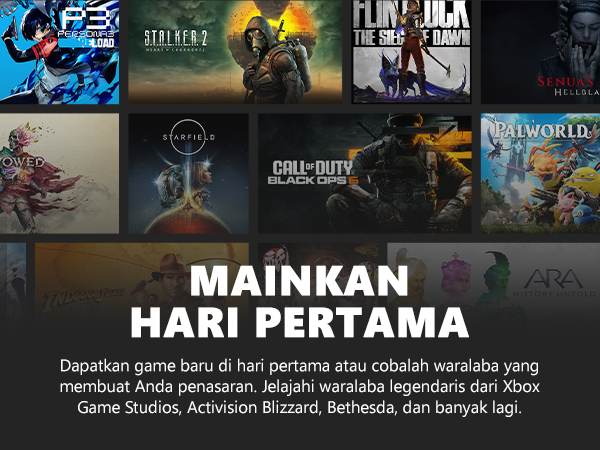

1
Sign up or log in
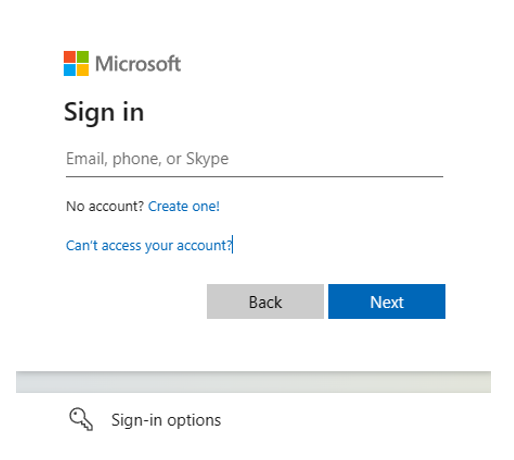
Go to https://redeem.microsoft.com and log in or create a new Microsoft account (MSA).
2
Activate PC Game Pass
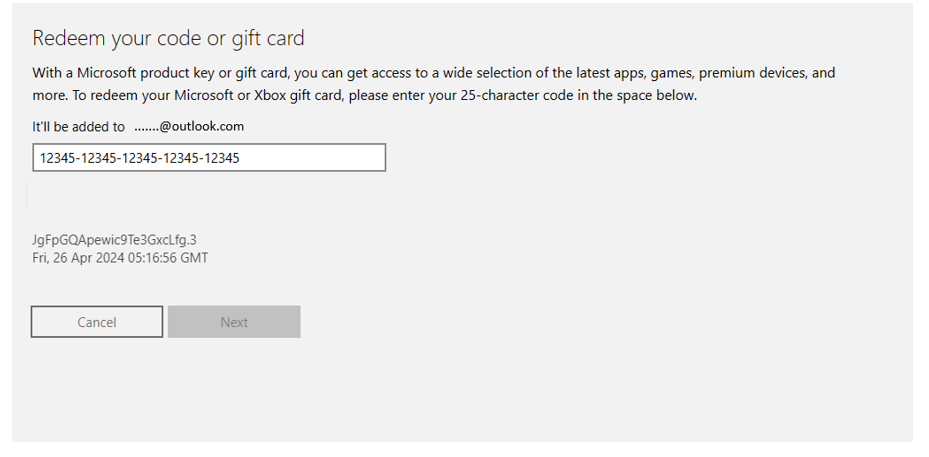
Enter the code you receive from SMS or email sent by Telkomsel to activate PC Game Pass.
3
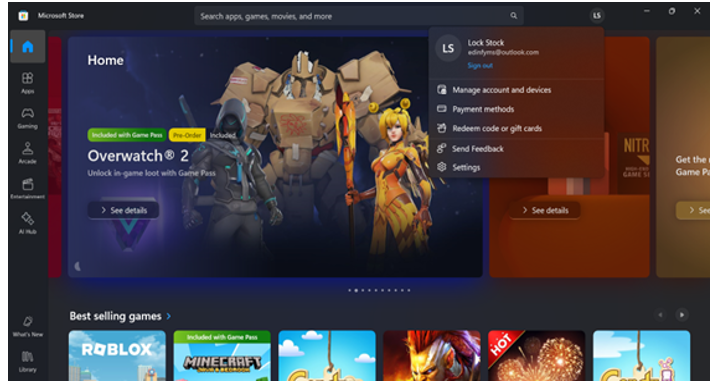
Download XBox app
Open Microsoft Store using the MSA account you’ve used before and download Xbox app for Windows.
4
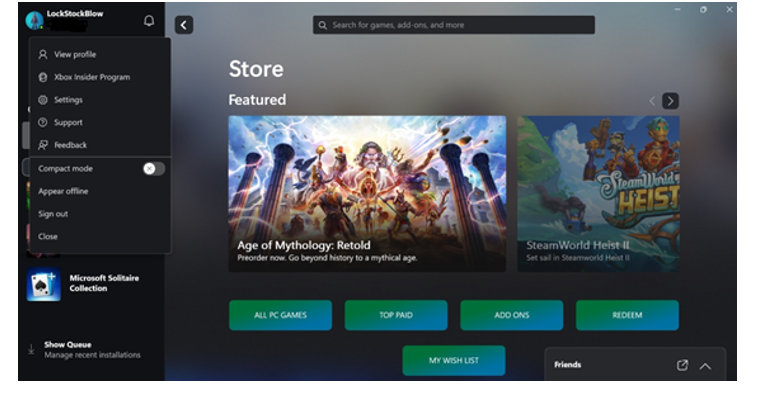
Choose & install the game
Enter the Xbox app for Windows using your MSA account. Access PC Game Pass, choose the game, install it, and play!
1
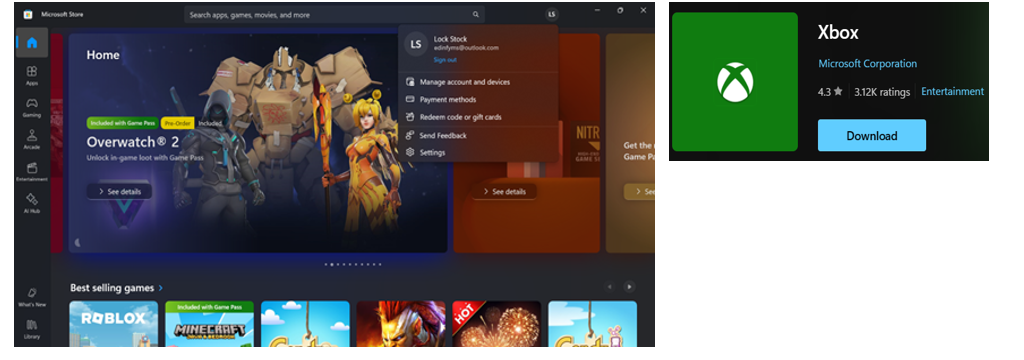
Download XBox app
Open Microsoft Store using the MSA account you’ve used before and download Xbox app for Windows.
2
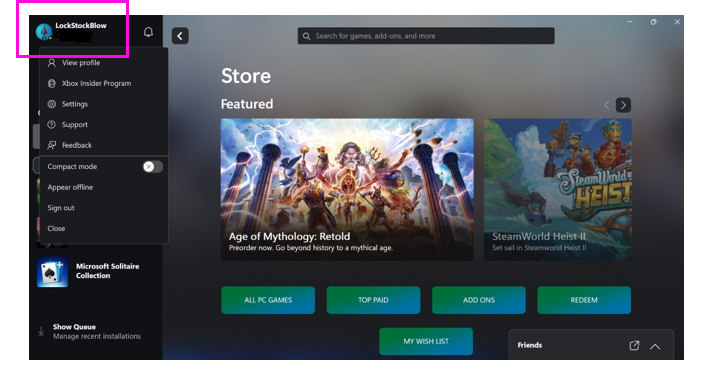
Open XBox app
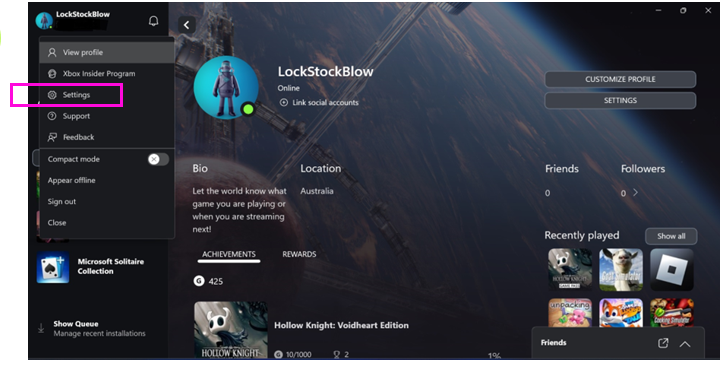
Open the XBox app using your MSA account and click your Profile at the top left.
3
Go to Settings
Find and click on the “Settings” menu.
4
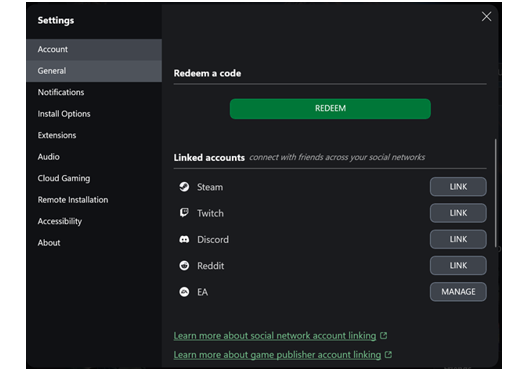
Redeem
Enter the code you receive from SMS or email sent by Telkomsel and click “Redeem” to activate PC Game Pass.
What do I get if I subscribe to PC Game Pass?

On which device can I use PC Game Pass?
Can I save my game progress?
Can I unsubscribe from PC Game Pass?
Where do I contact if I need further assistance?
General Terms and Conditions
PC Game Pass Disclaimer