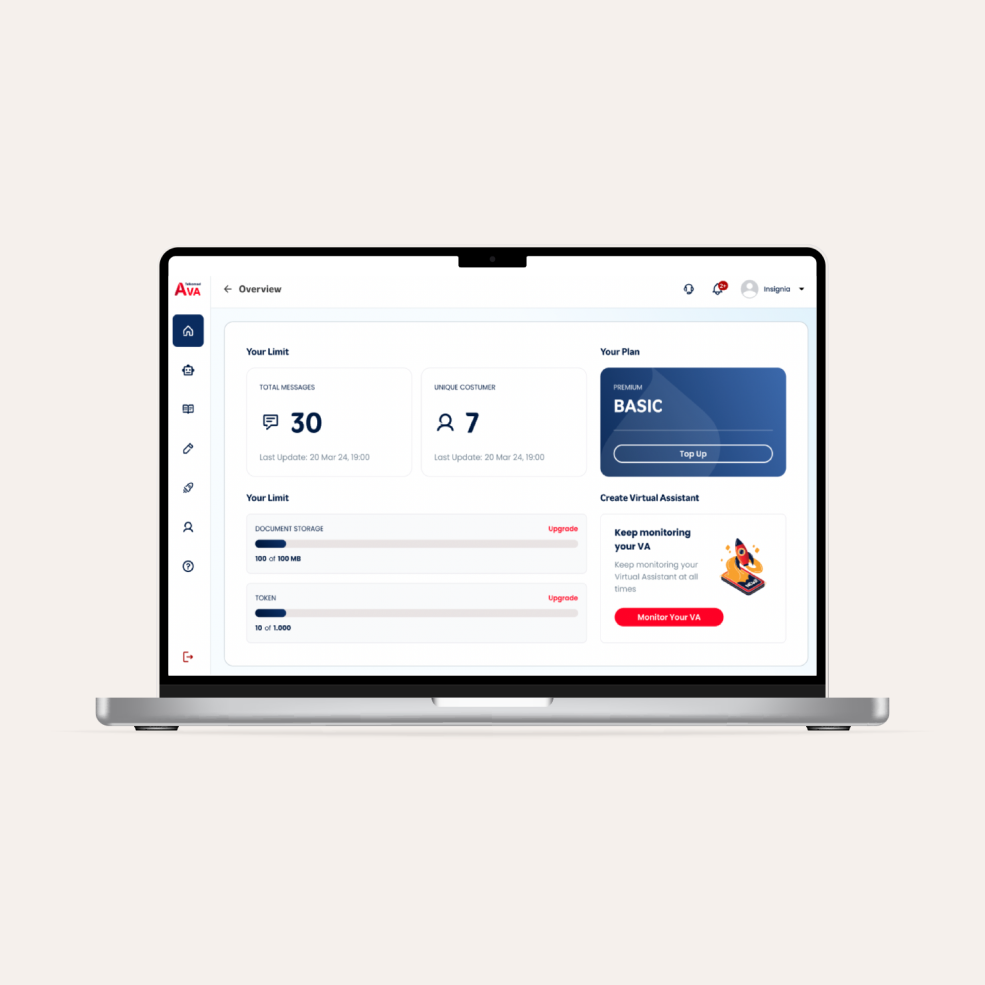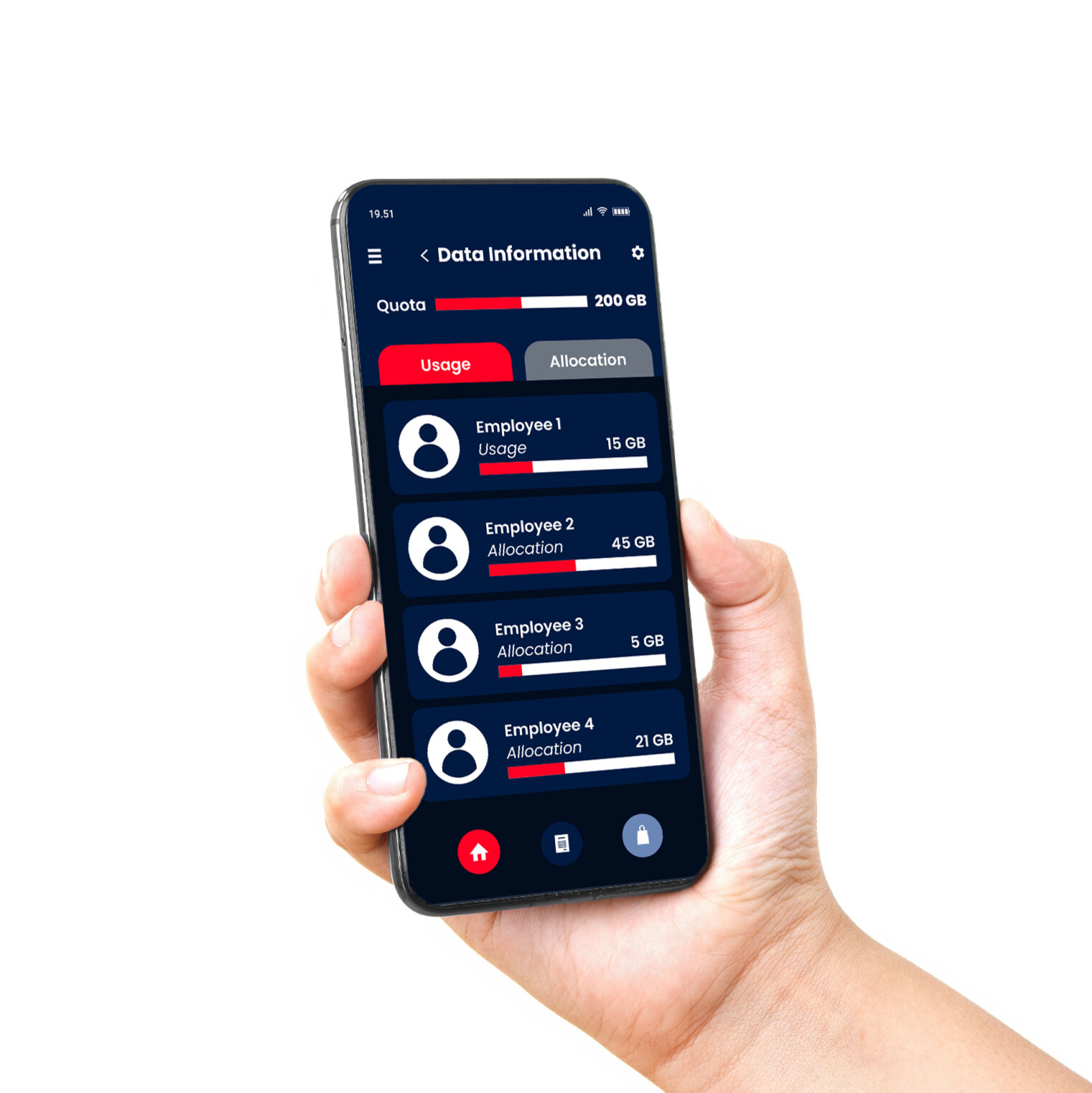





As mobile devices become increasingly essential in modern workplaces, the need for an effective solution to manage and secure them grows stronger. This is where Mobile Device Management (MDM) steps in as a solution designed to streamline device oversight while protecting sensitive corporate data from evolving cyber threats.
A recent market reports, the mobile device management market to grow by USD 18.52 billion, with a CAGR of 26.01% from 2023 to 2028. This surge is driven by the rising use of mobile devices in business operations, the demand for integrated management platforms, and heightened concerns around data security amid cyber threats.
Mobile Device Management, or MDM, is a centralized system that allows companies to monitor, manage, and secure mobile devices, whether company-owned or personal (BYOD), within their network. With MDM, businesses can streamline device management, enforce data protection policies, and enhance workforce productivity.
So, what is mobile device management really about? It's more than just controlling devices, but it's about ensuring that your company’s data remains secure while empowering employees to work flexibly and efficiently
Must-Have Features in Mobile Device Management (MDM)
Beyond just device control, MDM plays a critical role in enhancing productivity, reducing IT overhead, and safeguarding corporate data against unauthorized access. To be truly effective, an MDM solution must come equipped with key functionalities that address both operational needs and security risks.
Let’s dive into the must-have features of MDM that every business should look for:
1. Data Security Features in MDM
At the heart of any MDM solution lies data security. As cyberattacks grow more frequent and sophisticated, securing mobile devices becomes a critical business priority.
But what is data security in an MDM context? It’s the practice of ensuring that sensitive corporate data such as internal files, emails, credentials, and client information is protected from theft, leaks, and unauthorized access.
-
Data Encryption: All data stored or transmitted through mobile devices is encrypted. Even if the data is stolen or intercepted, it’s unreadable to unauthorized parties.
-
Multi-Factor Authentication (MFA): Adds a second (or even third) layer of identity verification. This significantly reduces the risk of unauthorized logins, even if a password is compromised.
-
Remote Wipe Capability: If a device is lost or stolen, administrators can remotely delete all corporate data, preventing it from falling into the wrong hands.
-
Security Monitoring: Real-time monitoring helps IT teams detect unusual activity such as unauthorized access attempts or app misuse and respond before damage is done.
2. Application Management
The apps used by employees can either increase efficiency or become major security threats. That’s why application management is a crucial feature MDM.
MDM platforms give businesses full control over what applications are installed, used, or restricted on employee devices.
-
App Distribution: Easily install or update applications across hundreds of devices at once. This ensures that every user is running approved, safe apps.
-
App Whitelisting and Blacklisting: Allow only specific applications (whitelist) and block potentially harmful or non-compliant apps (blacklist).
-
App Usage Monitoring: Track how often and how long each app is used. Spot potential productivity issues or unusual activity that might signal misuse.

3. Device Management
Device management is the backbone of any MDM system. It gives IT administrators complete visibility over the mobile devices in use and allows them to enforce consistent policies.
With these capabilities, companies gain full control over their mobile fleet without compromising usability or user experience. Essential device management tools:
-
Device Inventory Management: Maintain an accurate, real-time inventory of every device—knowing which are active, inactive, or lost.
-
User Profiles and Role-Based Settings: Assign specific access rights, apps, and settings to different teams or job roles, ensuring devices are configured according to their function.
-
Monitoring and Reports: Generate reports on device usage, storage, battery life, and security compliance. These insights help leadership make smarter, data-driven decisions.
4. Corporate Data Protection and Network Security
Beyond securing individual devices, MDM solutions must also protect the broader digital ecosystem. This layered approach to data security ensures that sensitive assets remain confidential and accessible only to authorized personnel. Key components include:
-
Firewalls and Antivirus Software: Built-in security tools prevent malware and viruses from infecting devices and spreading across your network.
-
VPN Integration: Encrypts internet traffic so that sensitive data is safe even on unsecured public Wi-Fi, like in airports or cafes.
-
Data Segregation: Separates personal data from corporate data on the same device. If personal apps are compromised, company data stays protected.
5. Boosting Employee Productivity with MDM
MDM isn’t just about protection, but it also empowers employees to work better and smarter, especially in mobile and hybrid environments.
These features empower employees to work smarter and faster, without compromising on security. Productivity-focused MDM features:
-
Email and Calendar Integration: Centralized access to company email and scheduling tools keeps communication efficient and team coordination seamless.
-
Secure File Sharing: Allow employees to safely share and collaborate on documents without compromising data integrity or access permissions.
MDM, Data Security, and BYOD Policy
The Bring Your Own Device (BYOD) trend allows employees to use their own smartphones, tablets, or laptops for work. While this improves flexibility and cuts hardware costs, it also creates new security concerns.
An effective MDM platform, businesses can enjoy the benefits of BYOD without exposing themselves to unnecessary risks.
-
Separating Personal and Corporate Data: Ensuring that company files stay protected even on personal devices.
-
Enforcing Security Policies: Requiring strong passwords, encryption, and restricted access on BYOD devices used for work purposes.
-
Monitoring and Auditing Activity: Providing visibility into how BYOD devices interact with corporate resources, enabling proactive threat detection.
Conclusion
The growing reliance on mobile devices in the workplace demands a strong, scalable solution for management and protection. Knowing what is mobile device management and understanding the features can make all the difference between a secure, productive workplace and one exposed to unnecessary risks.
From securing corporate data, managing apps, and monitoring devices, to supporting BYOD environments, MDM platforms are vital for modern business success.
Telkomsel Enterprise offers a comprehensive Mobile Device Management (MDM) solution tailored to secure employee devices and protect critical business data. With over 100 client accounts and up to a 90% boost in productivity, our MDM service provides real-time visibility, zero-touch enrollment, flexible payment models, and seamless integration with other enterprise solutions.
Protect your organization from cyber threats while empowering your workforce with Telkomsel Enterprise’s MDM. Ready to secure your business data and mobile devices? Contact us today to learn how we can help you implement a secure, scalable, and efficient mobile management strategy.