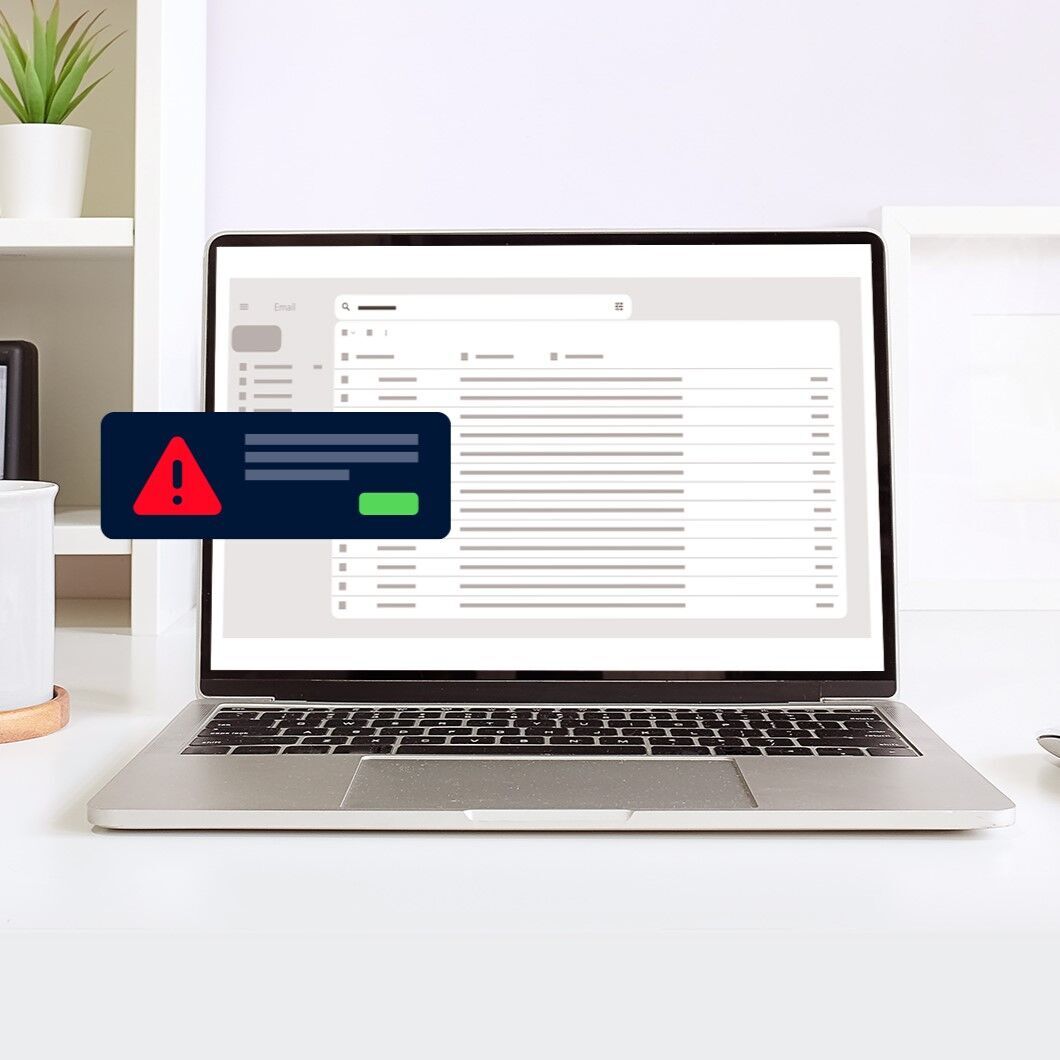





QRIS payment notifications that fail to appear can slow down checkout, especially when customer queues start getting longer. A customer may already be showing their phone screen as proof of payment, but the cashier has yet to hear a payment confirmation sound. In this situation, should the merchant hand over the goods or ask the customer to pay again?
If notification issues keep happening, merchants need to evaluate the cause to keep transactions running smoothly and avoid potential losses. So, what causes QRIS payment notifications to fail, and how can businesses address these issues?
Why Are QRIS Payment Notifications Important for Businesses?
For merchants, QRIS payment notifications provide a quick signal that a payment activity needs attention. During a transaction, cashiers do not always have time to open an app and check the screen every few seconds.
Timely notifications help cashiers respond faster and decide what to do next. However, one important point needs to be emphasized, a notification alone is not definitive proof that a transaction has been completed successfully.
Notification is simply an alert. The primary reference should always be the transaction status shown in the merchant's official payment channel. Even so, QRIS payment notifications play an important role in daily business operations for several reasons.
1. Speed Up Payment Confirmation
Cashiers can quickly become aware of incoming payment activity without repeatedly checking the payment app. A notification sound provides an immediate signal that a transaction may need to be verified.
2. Reduce Errors When Serving Customers
When payment information is easier to notice, cashiers are less likely to overlook transactions.
3. Keep Customer Queues Moving
At busy restaurants, coffee shops, booths, and retail stores, a few seconds spent checking each transaction can add up to a considerable delay. QRIS payment notifications help reduce unnecessary pauses and keep customer queues moving.
4. Help Detect Suspicious Transactions
If a customer claims to have paid but no notification appears and no transaction is recorded in the merchant's payment channel, the cashier has a reason to investigate further.
What Problems Can Occur When QRIS Notifications Are Delayed or Missing?
A QRIS payment notification may fail to appear even when the payment has been completed successfully. This can happen because of a poor internet connection or delayed synchronization.
When a store is busy, even a minor delay can lead to bigger problems. If notifications are repeatedly delayed or missing, several challenges may arise.
1. Payment Confirmation Becomes More Difficult
Cashiers need to confirm that payments have been received before proceeding with a transaction. When a notification does not appear, the verification process can take longer.
The cashier may need to open the transaction history, search for the payment based on its amount and time and match the available transaction reference. Checking one payment might not be a major issue. But what happens when ten customers make payments almost simultaneously?
To prevent confusion, merchants should establish a simple standard operating procedure (SOP). Do not immediately ask customers to pay again just because a notification has not appeared. First, check the transaction status in the payment app, dashboard, or merchant channel being used.
2. Transactions May Be Overlooked
Delayed notifications can cause transactions to go unnoticed. This becomes even more challenging in crowded and noisy stores, where cashiers may not hear the notification sound even though a payment has already been processed.
If this problem keeps occurring, merchants should investigate more than just their internet connection. They should also check the payment device or application settings.
3. Customer Service Becomes Less Efficient
Imagine a customer who has already paid but is still asked to wait because the cashier cannot see the payment confirmation. This situation can make the customer uncomfortable.
Clear communication is important in such situations. The cashier can explain that the transaction status is being checked so the customer understands what is happening and does not immediately assume that the payment has failed.
What Are QRIS Payment Notifications?
QRIS payment notifications are alerts that inform merchants about QRIS payment activity. Depending on the system, these notifications may appear on a screen, through an app, or as a short sound indicating an incoming transaction.
For merchants handling a high volume of payments, sound notifications can be especially helpful. Cashiers do not need to always keep their eyes on the screen. When a customer completes a payment and the notification sound plays, the cashier can promptly check the transaction status and amount.
However, a notification sound should never be treated as the only proof of payment. For example, a customer might show a payment receipt on their phone and say, "I've already paid." Yet the merchant's device has not produced a notification.
Rather than immediately saying the transaction has failed, the cashier should check the transaction status through the merchant's payment channel. Match the amount, transaction time, merchant name, and transaction reference, if available. If the status remains unclear, follow the merchant's established SOP.
What Are the Benefits of QRIS Payment Notifications?
Every merchant has different needs. However, as the volume of incoming transactions grows, the demand for rapid access to payment information increases. Here are some of the benefits of QRIS payment notifications.
1. Instant Payment Confirmation
When customers make payments, sound notifications help cashiers identify payment activity without constantly looking at a phone screen. This is particularly useful when cashiers are preparing orders, serving other customers, or handling a busy store.
Imagine a coffee shop during the lunch rush. One customer pays with QRIS while the cashier is preparing the next order. If the cashier must open the payment app every time a payment comes in, even a simple task can slow down the entire process.
With sound notifications, the cashier receives an immediate alert and can check the transaction when needed. However, the notification sound is not definitive proof that the payment has succeeded. If there is any doubt, the cashier should still verify the transaction status, amount, and information recorded in the merchant's payment channel.
2. Easier Transaction Monitoring for Cashiers
Cashiers cannot stare at the screen all day. Besides being tiring, this habit can make customer service less flexible.
Sound notifications make transaction monitoring more practical. Cashiers can listen for alerts and verify the payment details when necessary. This feature is especially useful for outlets with only one cashier or businesses that regularly serve several customers at once.
3. Reduce the Risk of Transaction Errors
Small mistakes at checkout can turn into bigger problems when they happen repeatedly. Mishearing a notification, forgetting to check a payment, or overlooking a transaction can leave both the customer and merchant confused.
Sound notifications provide an additional signal that reminds cashiers to check incoming payment activity. When combined with clear SOPs, they can help make the verification process simpler and more consistent.
Even so, sound notifications should never replace transaction verification. If a notification cannot be heard, it does not necessarily mean the payment has failed. Likewise, hearing a notification does not mean that all transaction details can be ignored.
4. Improve Customer Confidence and Convenience
Payment confirmation matters to both merchants and customers. Customers want to know that their money has reached the intended recipient, while merchants need to ensure that payments have been received before completing a sale.
Sound notifications can help provide this confirmation more quickly. When customers hear the notification from the merchant device, they receive an additional indication that payment activity has been detected. Cashiers can also respond more promptly.
Beyond improving customer experience, notifications can help merchants identify transactions that require further investigation.
For example, a customer may claim to have paid, but no notification appears, and the transaction cannot be found in the merchant's payment channel. The cashier should verify the payment status before taking further action rather than immediately asking the customer to pay a second time.
How Do QRIS Payment Notifications Work?
The basic process behind QRIS payment notifications is straightforward. A customer scans a QR code, makes a payment, and a notification sound comes from the merchant's device. To better understand the process, here is a more detailed explanation:
1. The Customer Scans the Merchant's QRIS Code
First, the customer opens a payment app that supports QRIS and scans the merchant's QR code.
The customer then enters or confirms the payment amount, depending on the type of QRIS being used. With static QRIS, for example, customers generally need to enter the amount manually. With dynamic QRIS, the transaction amount or order details are already linked to the QR code.
2. The Payment System Processes the Transaction
After the customer confirms the payment, the transaction is processed through the relevant payment system. At this stage, merchants should not assume that a transaction is complete simply because the customer sees a successful payment message on their phone. The merchant still needs confirmation from the payment acceptance channel used by the business.
Customers and merchants see the transaction from different perspectives. Customers view the payment through their chosen payment app, while merchants need to confirm that the transaction has been recorded in their own receiving system or payment channel.
3. The Merchant's Payment Channel Receives Transaction Information
Once the payment has been processed successfully, transaction information is made available through the merchant's payment channel. Depending on the system, this could be a merchant app, dashboard, point-of-sale device, or dedicated notification device.
The information may include the transaction status, amount, time, merchant details, or a specific transaction reference.
4. The Device Plays a Sound Notification
After the merchant's device receives the relevant transaction information, the system produces a sound notification. For the cashier, this serves as a signal that payment activity has occurred and may need to be checked.
For example, a customer pays IDR75,000 while the cashier is preparing an order. When the notification sound plays, the cashier knows there is a payment to verify without having to stop all other tasks just to check the screen.
5. The Cashier Verifies the Payment
Even when a sound notification is heard, cashiers should not assume that the transaction is complete without verifying the payment.
At a minimum, cashiers should check a few important details, including whether the transaction status confirms a successful payment, whether the payment amount matches the total bill, whether the merchant or outlet name is correct, and whether the transaction time matches when the payment was made.
Even with sound notifications in place, these verification steps remain essential to ensure payment accuracy and prevent transaction errors.
Maximize QRIS Payment Notifications for Faster, More Accurate Transactions
Speed matters at checkout, but knowing that a payment has actually been received is even more important.
Sound notifications help cashiers avoid constantly checking their screens to find out whether a payment has arrived. When the system delivers a notification for a successfully processed QRIS payment, cashiers receive an immediate alert that they can follow up by checking the transaction details. This can help customer queues move faster, reduce the risk of overlooked transactions, and minimize payment disputes.
To support these needs, Soundbox from Telkomsel Enterprise provides instant sound notifications whenever a QRIS transaction is successfully processed. Merchants can hear payment confirmations directly instead of having to rely solely on manually checking an application.
For businesses handling many transactions every day, this small operational improvement can make a meaningful difference.
FAQ
Does QRIS provide payment notifications?
Yes. QRIS payments can be accompanied by notifications that alert merchants to payment activity. However, notification is not the only proof that a transaction has succeeded. Merchants should still check the transaction status through their official payment channel.
How can I tell whether a QRIS payment has been successful?
Merchants can confirm a QRIS payment by checking its status in the payment app, dashboard, or other merchant channel. Where available, they should also match the payment amount, transaction time, merchant or outlet name, and transaction reference.
What are the benefits of QRIS payment notifications for merchants?
The benefits of QRIS payment notifications include faster payment confirmation, easier transaction monitoring, a lower risk of overlooked payments, and smoother customer queues. Notifications can also help merchants identify transactions that need further investigation, such as when a customer claims to have paid, but the transaction does not appear in the merchant's payment channel.