ALL MENU

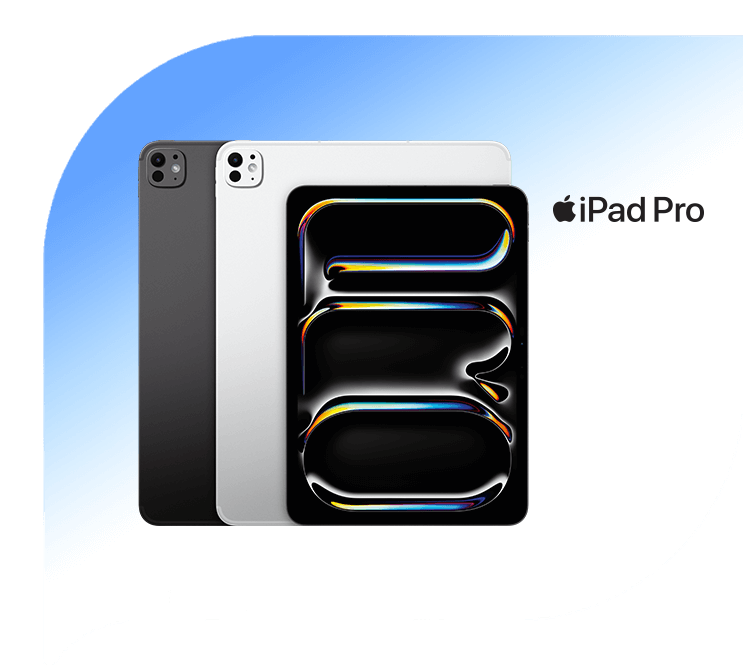
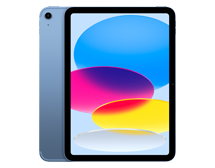
Bundling Halo+ iPad bold 100K – Pay 8 Get 12

Explore more with Halo⁺ bold

quota

Halo⁺ bold benefits

Get 58GB data per month and 1 Lifestyle Benefit of your choice every month.

payment

Pay 8 months, get 12 months

Get a 12-month Halo⁺ iPad bold 100K by paying an 8-month subscription.

esim

Additional eSIM data

Pair your new iPad with eSIM and get additional 8GB/month for 12 months.

Available at these stores

digimap-logo hello-logo ibox-logo blibli-logo digiplus-logo erafone-logo
Halo Optima iPad
Halo Optima iPad
100K
150K
200K
250K
300K
550K
Halo Optima iPad 100K
58GB
| 30 Hari
Kuota Internet
50GB
Bonus Kuota
3GB
Bonus Kuota iPhone
5GB
+2 Lebih lengkap
6 bulan
Rp91.667
24 bulan
Rp79.167
‏‏‎ ‎
Halo Optima iPad 100K - 12 Bulan
78GB
| 30 Hari
Kuota Internet
70GB
Bonus Kuota
3GB
Bonus Kuota iPhone
5GB
+2 Lebih lengkap
12 bulan
Rp74.000
‏‏‎ ‎
Halo Optima iPad 100K - eSIM
Hingga 68GB
| 30 Hari
Kuota Internet
50GB
Bonus Kuota
3GB
Bonus Kuota iPhone
5GB
+4 Lebih lengkap
6 bulan
Rp91.667
24 bulan
Rp79.167
‏‏‎ ‎
Halo Optima iPad 100K - eSIM 12 Bulan
Hingga 86GB
| 30 Hari
Kuota Internet
70GB
Bonus Kuota
3GB
Bonus Kuota iPhone
5GB
+4 Lebih lengkap
12 bulan
Rp74.000
‏‏‎ ‎

Easy steps to get the new iPad

Switch to Telkomsel
icon-minus icon-plus
Switch to Telkomsel
  1. Bookmark and note your Identity Card number (KTP) and Family Registration number (Kartu Keluarga) for Telkomsel number registration. 
  2. Review and pick the iPad model, dimension, storage, and colors that suit your preferences. 
  3. Choose Halo+ iPad Plan to suit your needs. 
  4. Choose your favorite payment instrument to complete the transaction. 
Stay with Telkomsel
icon-minus icon-plus
Stay with Telkomsel
  1. For Telkomsel Halo customers, please make sure that you have cleared all bills. Check your bills by sending SMS to 3999 (using Telkomsel number) using this format: CekBL(space)NIK(underscore)First Name(underscore)Birthday with format “yyyy-mm-dd". 
  2. Review and pick the iPad model, dimension, storage, and colors that suit your preferences. 
  3. Choose Halo+ iPad Plan to suit your needs. 
  4. Choose your favorite payment instrument to complete the transaction. 

Additional Information