





In an age where teams span continents and remote work is the new norm, staying connected isn't just convenience, but it's a necessity. This is where teleconference technology comes in, transforming how we meet, collaborate, and make decisions across distances. But what is teleconference, really?
Forget the days of endless email chains or delayed updates. Teleconferencing empowers teams to hold real-time meetings, whether you're in the office, working from home, or halfway across the globe. With just a few clicks, you can share ideas, present projects, and solve problems as if you were all in the same room.
In this article, let's break down what teleconference means, explore the different types, and show you how your team can benefit from using it
What Is Teleconference?
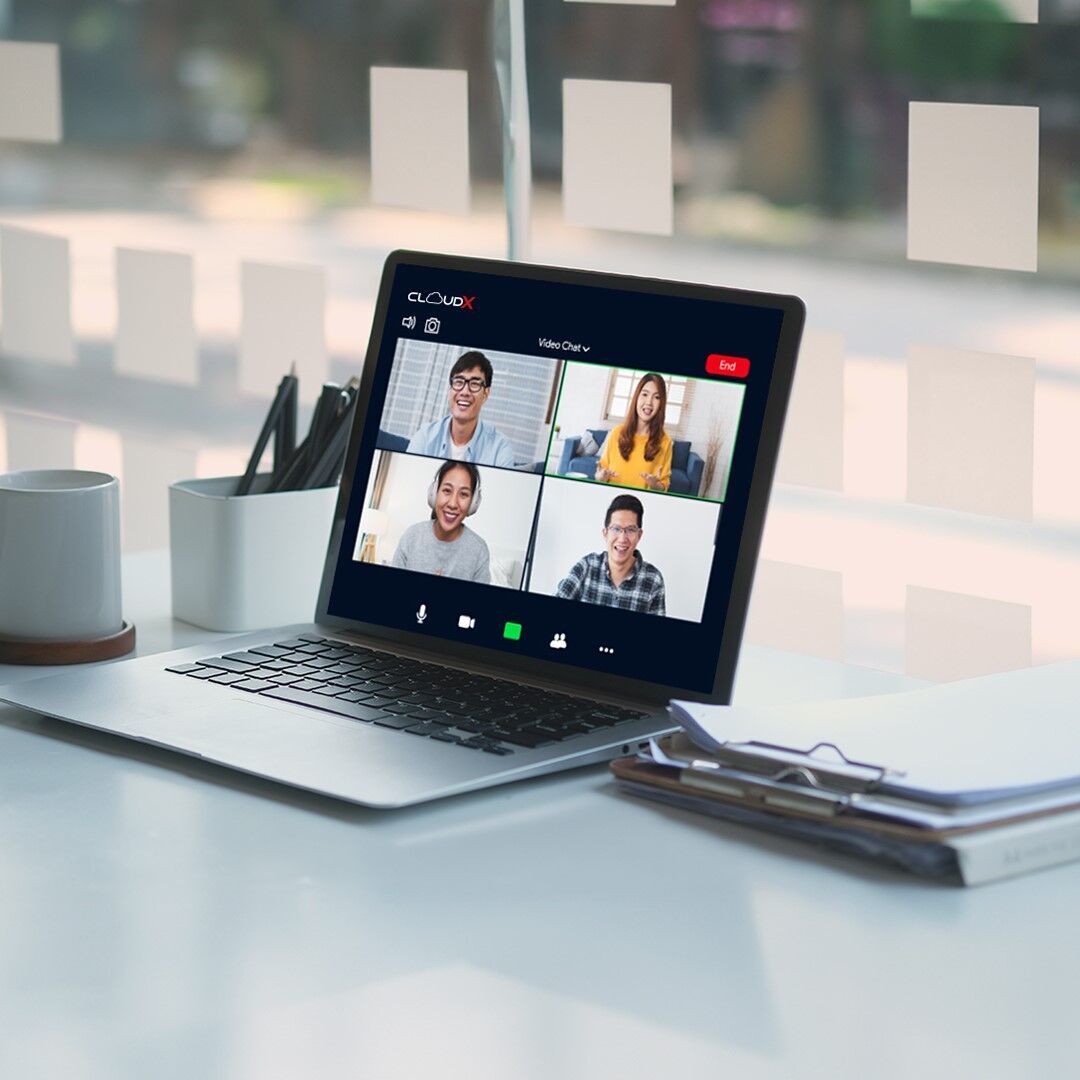
Teleconference is a real-time communication method that enables two or more people to interact using audio and/or video technology over a network. With tools like Zoom, Google Meet, and Microsoft Teams, participants can connect from the office, home, or any location worldwide.
Whether for business meetings, webinars, or team brainstorming sessions, teleconferencing removes geographical barriers and enhances teamwork. Teleconferencing offers a wide range of advantages that make it a game-changer for modern workplaces:
So, what are the benefits of teleconferencing?
-
Time and Cost Efficiency: Teleconferences eliminate travel expenses and reduce time spent on commuting. Teams can meet instantly with just a click, saving hours and resources.
-
Flexible Communication: Join meetings from home, the office, or while traveling. It’s ideal for global teams working across different time zones.
-
Boosts Productivity: Quick check-ins and seamless document sharing make teleconferencing perfect for remote and hybrid work environments.
-
Enhances Team Collaboration: With features like screen sharing and real-time chat, teams can co-create, troubleshoot, and brainstorm more effectively.
-
Environmentally Friendly: Fewer business trips mean a lower carbon footprint. Plus, digital documents reduce paper waste.
Types of Teleconferences
Depending on your communication needs and available technology, there are several types of teleconferences to choose from:
1. Audio Teleconference (Conference Call)
This is the simplest form of teleconference, involving only voice communication. Participants can join via landline, mobile phone, or internet-based calling apps like Zoom or Skype. It’s perfect for quick updates, briefings, or when visual elements aren’t necessary.
2. Audio-Graphic Teleconference
Combines audio with static visual content like charts, diagrams, or shared documents. This type is often used for distance learning or technical discussions, where visual aids support verbal explanations.
3. Computer Teleconference
Conducted entirely through computers using text-based chats, emails, forums, or collaborative software. Ideal for asynchronous communication or when high bandwidth isn’t available.
4. Video Teleconference
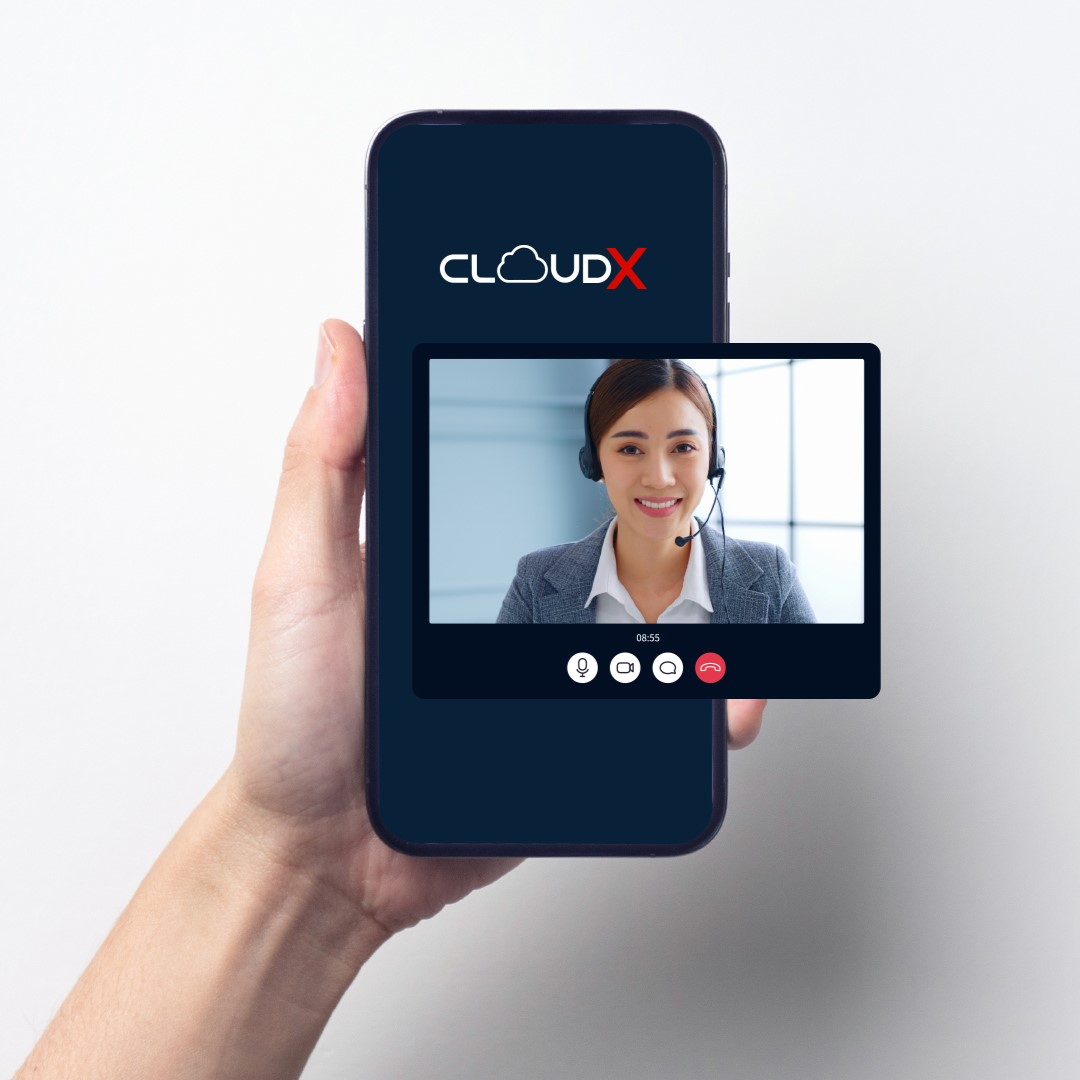
The most interactive type, video teleconference uses both video and audio. Participants can see and hear each other live, making it ideal for formal meetings, interviews, and collaborative discussions.
Tools You Need for a Successful Teleconference
To host or join a teleconference, you’ll need both hardware and software tools:
Hardware Requirements
-
Laptop or Desktop Computer: The primary device for running the teleconference.
-
Webcam: For video calls, built-in cameras work fine, but external ones offer better quality.
-
Microphone & Headset: Clear audio is crucial. Use a headset with a mic for noise reduction and clarity.
-
Stable Internet Connection: Preferably wired or high-speed Wi-Fi to avoid lag or disconnection.
Software Requirements
-
Video Conferencing Platforms: Zoom, Google Meet, Microsoft Teams, etc.
-
Browser or Mobile App: To access the chosen platform easily.
-
VPN (Optional): For secure communication, especially in sensitive industries.
-
Collaboration Tools: Slack, Trello, or Google Docs for file sharing and task management.
Additional Features You Can Use:
-
Text Chat: For side conversations or sharing links without interrupting the speaker.
-
Recording Option: To review important discussions later.
-
Virtual Whiteboard: For brainstorming sessions and visual presentations.
How to Start a Teleconference Successfully
Follow these steps for a smooth and effective teleconference:
1. Prepare Your Equipment and Test the Internet
Make sure all devices are charged or plugged in. Check your internet speed and close unnecessary apps to free up bandwidth.
2. Install or Open the Conference App
Download and install your preferred app if not already done. Keep it updated for optimal performance.
3. Create or Log into Your Account
Sign up if you’re new or log in with your existing credentials. Do this ahead of time to avoid delays.
4. Schedule and Share the Meeting Link
Create a new meeting and set the time. Copy the link and send it to participants via email, SMS, or messaging apps. Include a password if required.
5. Take Notes During the Meeting
Use note-taking apps like Notion, Evernote, or even pen and paper to record key points, action items, and deadlines.
Advantages and Disadvantages of Teleconferencing for Business
Like any modern communication tool, teleconferencing comes with its own set of advantages and disadvantages, especially when used in a business setting. While it has revolutionized how teams connect and collaborate, it's essential to understand both sides of the coin before fully adapting it into your workflow.
Let’s explore what makes teleconferencing a powerful asset and where it might fall short.
Advantages of Teleconferencing for Business
1. Saves Time and Costs
One of the most significant benefits of teleconferencing is the reduction of travel-related expenses. Businesses can avoid costs such as flights, hotels, transportation, and venue rentals. Additionally, team members save time that would otherwise be spent commuting, allowing them to focus more on productivity and core tasks.
2. Easy to Schedule and Manage
Unlike traditional meetings that require coordinating physical attendance, teleconferences offer flexibility. Participants can join from anywhere at any time, making it easier to align schedules across different time zones.
Many platforms also offer calendar integrations and automated reminders, minimizing the risk of missed or delayed meetings.
3. Improves Communication Quality
Compared to emails or phone calls, teleconferencing allows for real-time, face-to-face interaction. This enhances clarity, reduces misunderstandings, and builds stronger rapport among team members. Features like screen sharing, virtual whiteboards, and real-time chat further enrich the experience.
4. Offers Multiple Communication Channels
Modern teleconferencing tools support various modes of communication, audio, video, and text-based messaging. This gives participants the freedom to choose the best method for each situation.
Text chats, for instance, are great for quick questions or file sharing without interrupting the main discussion.
5. Supports Large Group Participation
Whether you're hosting a company-wide meeting, product launch, or client briefing, teleconferencing platforms allow hundreds or even thousands of people to join simultaneously. This scalability makes it ideal for corporate events, training sessions, and investor calls.
Disadvantages of Teleconferencing
1. High-Quality Equipment May Be Costly or Hard to Find
While basic teleconferencing is accessible, achieving professional-grade meetings often requires high-quality webcams, microphones, and headsets. For smaller businesses or remote employees, acquiring these tools can be a financial burden or logistically challenging.
2. Requires Careful Management and Security
Teleconferencing demands proper planning and moderation. Without clear agendas and facilitation, meetings can become disorganized or unproductive. More importantly, security is a concern, unsecured meetings can lead to data leaks, unauthorized access, or disruptions known as "Zoom bombing".
3. Dependent on Stable Internet Connectivity
A stable internet connection is crucial for smooth teleconferencing. Poor bandwidth or network instability can result in dropped calls, choppy audio, or frozen video, all of which disrupt communication and reduce efficiency.
4. Need for Larger Spaces for Group Video Conferencing
When hosting a group video call, especially in an office setting, having enough space for everyone to be visible and heard clearly becomes important. A cramped room or poor acoustics can negatively impact the quality of the meeting.
Teleconference is not just a tech trend, but it’s a vital tool for businesses aiming to stay connected and competitive in a distributed world. From daily stand-ups to global board meetings, teleconferencing streamlines communication, saves resources, and boosts collaboration.
If you're looking to optimize your team's teleconferencing experience, consider exploring Team Plan from Telkomsel Enterprise. With Team Plan, you get a comprehensive communication solution designed to streamline business interactions, reduce operational costs, and ensure every virtual meeting runs smoothly.
Whether you need flexible plans, scalable features, or customized packages, Team Plan adapts to your team’s unique needs. Ready to level up your team’s productivity? Contact us today to learn more about how we can help your business stay connected, productive, and future-ready.