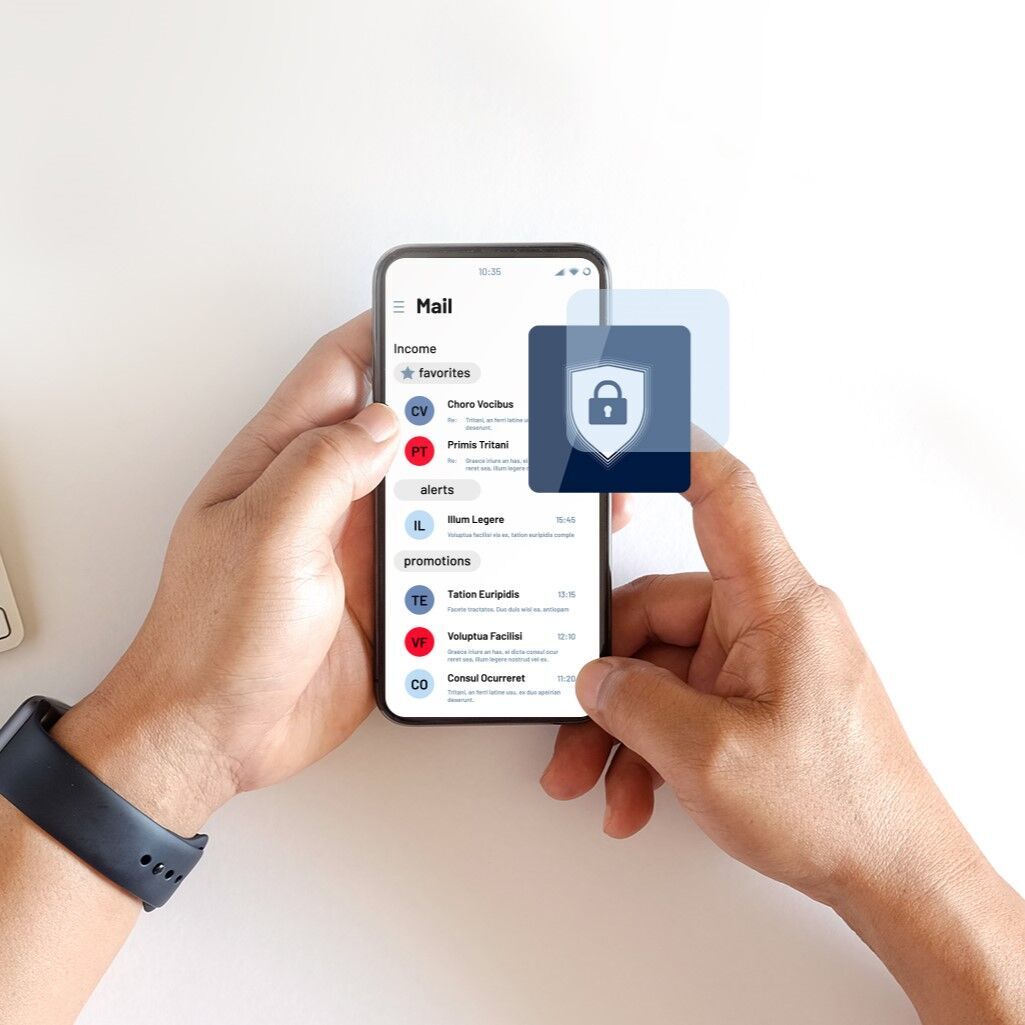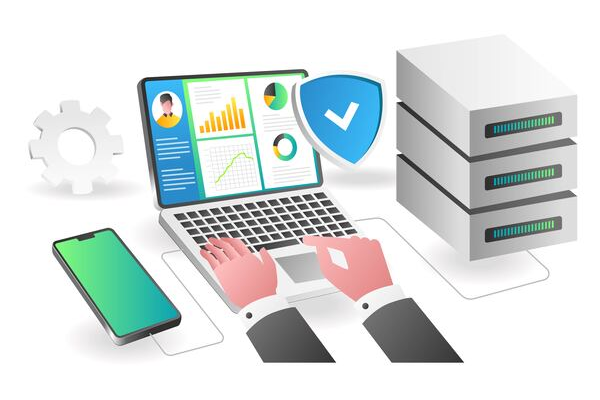





Smartphones, tablets, and laptops have transformed into indispensable tools for workplace productivity. These mobile devices allow seamless access to sensitive business data, various applications, and corporate networks anytime and anywhere.
However, this ease of access introduces serious security challenges that cannot be underestimated. With increasing amounts of corporate data stored on personal devices, companies in Indonesia and worldwide live under the constant threat of data breaches, unauthorized access, and increasingly sophisticated cyberattacks.
The latest IBM X-Force Threat Intelligence Index reveals a worrying trend in cybersecurity: backdoor attacks dominated the cyberattack tactics last year. These attacks enable hackers to remotely access systems. Interestingly, nearly two-thirds of these breaches originated from ransomware incidents, which often easily deceive mobile device users.
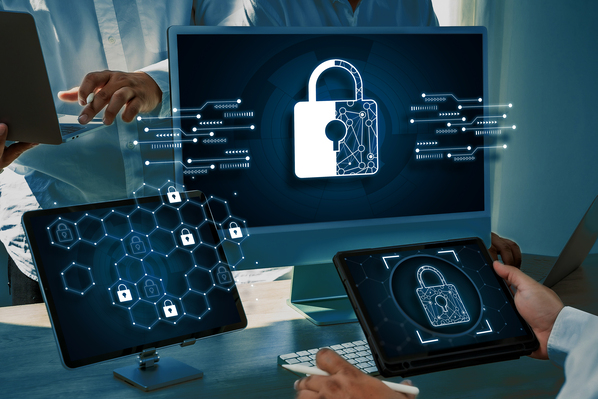
To confront these threats head-on, mobile device management solutions (MDM) provide an essential digital shield. MDM enables companies to centrally control and secure all mobile devices. From data encryption and password policies to remote data wiping capabilities, MDM offers a comprehensive toolkit to safeguard sensitive company data.
Through this article, let's explore what is mobile device management (MDM) in depth, covering its primary functions, benefits, and best practices for implementation and management, to highlight just how critical MDM is in securing business devices and data in today’s mobile-first era.
What Is Mobile Device Management (MDM)?
Mobile Device Management (MDM) is a robust IT management strategy designed to optimize the security, usability, and control of mobile devices used within business environments.
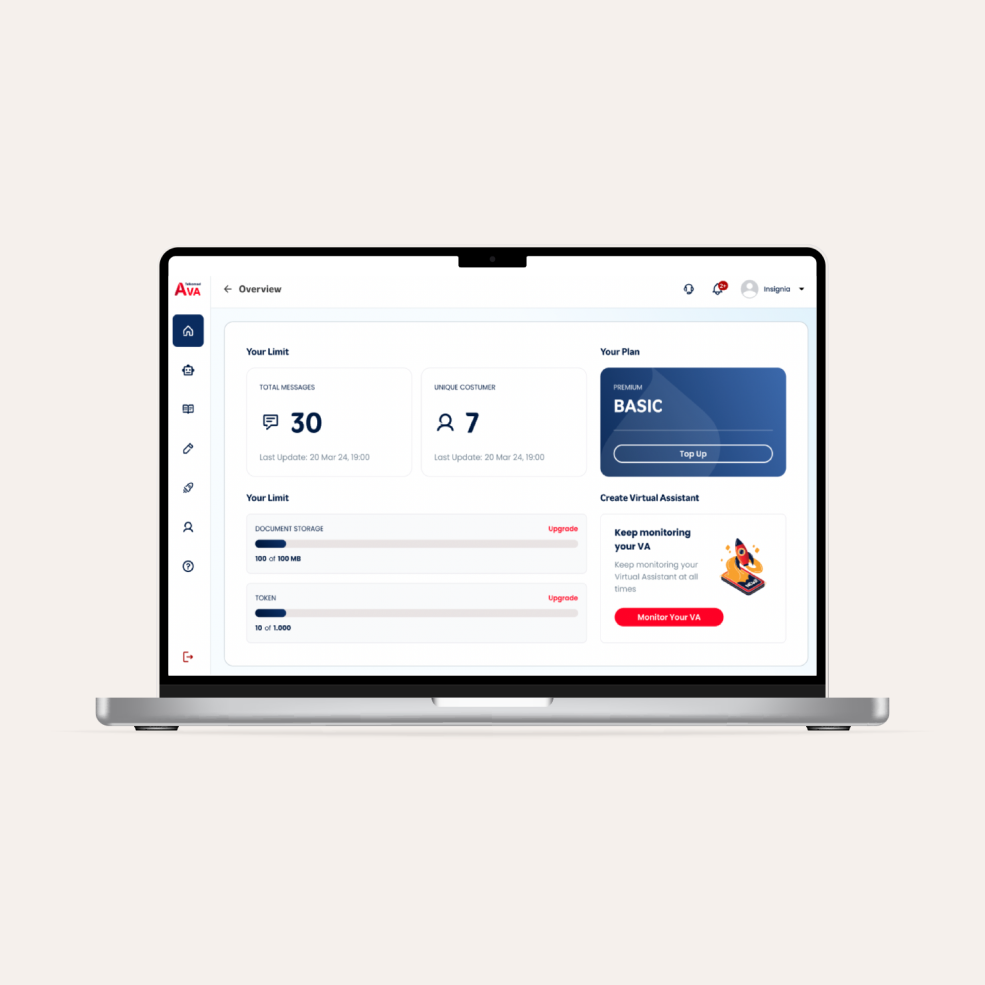
At its core, MDM gives IT administrators a centralized dashboard to manage and secure smartphones, tablets, and even wearable tech that are connected to the company’s systems. It functions as an essential layer within an organization’s broader IT security ecosystem, integrated with firewalls, identity management systems, and anti-malware tools to create a comprehensive cybersecurity defense.
By implementing MDM, companies can ensure that all mobile endpoints comply with standardized security policies, mitigating the risk of cyberattacks while supporting secure and flexible working environments.
Core Functions of Mobile Device Management (MDM)
A well-designed mobile device management solution provides a rich set of features that go beyond basic device control. Here are some of the key functions that MDM platforms offer:
-
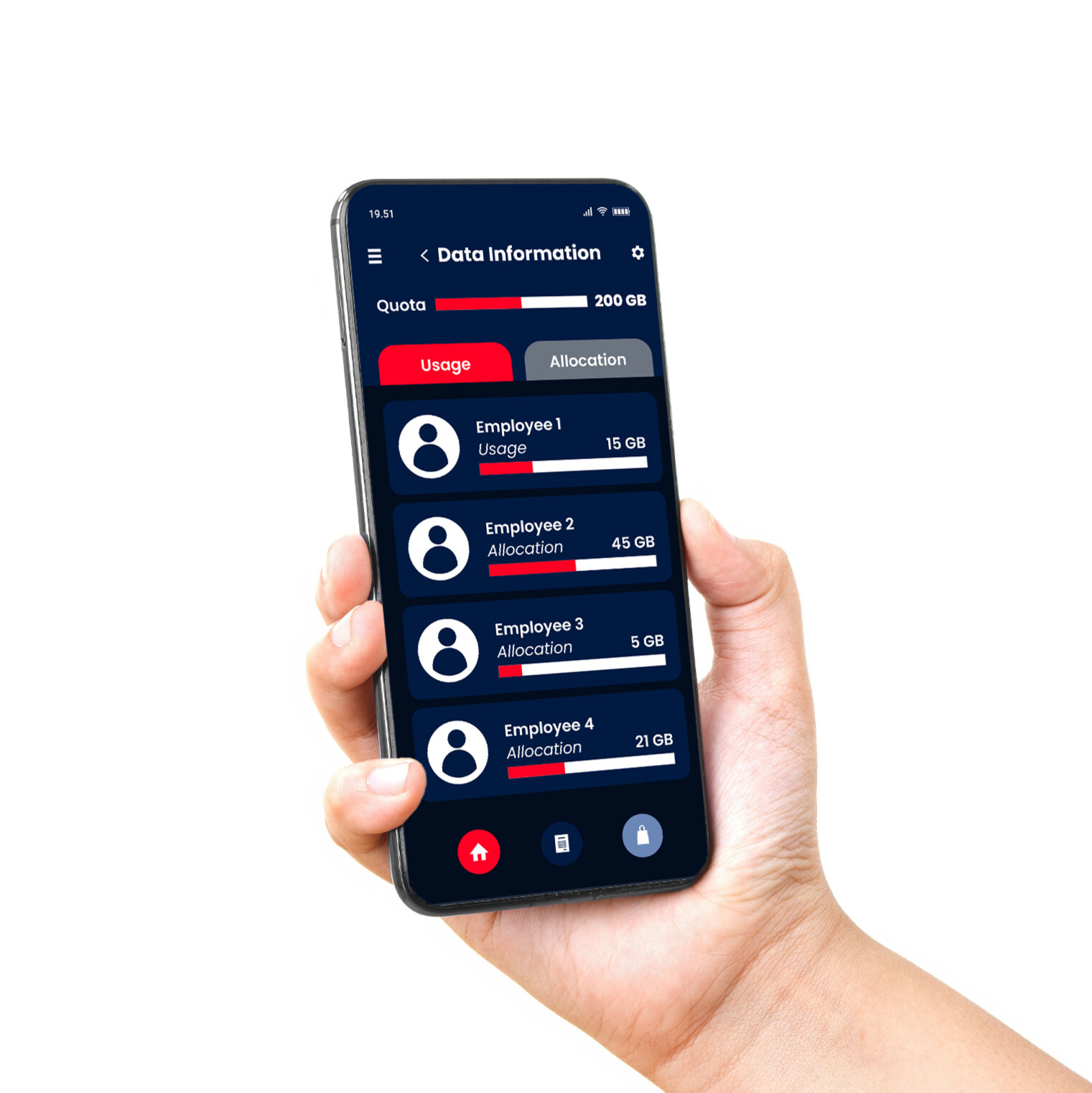
Device Tracking: Real-time location tracking helps IT teams quickly find and secure lost or stolen devices, minimizing the risk of data exposure.
-
Application Management: IT admins can remotely install, update, or remove apps, ensuring only vetted and secure applications are used across all employee devices.
-
Security Policy Enforcement: MDM enforces corporate security protocols, such as strong password policies, device encryption, and automatic screen locking, guaranteeing adherence to security standards.
Key Components of MDM
To deliver end-to-end device security, an MDM platform typically includes these essential components:
-
Software Deployment: Deploy and update software at scale, ensuring every device operates on the latest, most secure version, reducing vulnerabilities caused by outdated systems.
-
Device Enrollment: Simplifies the onboarding process for new devices. Ensures every device connected to the network is registered, authenticated, and actively monitored.
-
Data Encryption: Provides an additional protection layer by encrypting data stored on and transmitted by devices, protecting against unauthorized access.
-
Inventory Management: Offers full visibility into all devices on the network, including device models, operating systems, software versions, and critical app usage data essential for asset management and IT security maintenance.
How Mobile Device Management (MDM) Enhances Data Security
Mobile Device Management (MDM) brings numerous significant benefits in strengthening data security. Here are the main advantages of adopting MDM features in data security:

1. Data Protection on Lost or Stolen Devices
In cases of device loss or theft, MDM provides features necessary to protect sensitive company information.
-
Remote Wipe: MDM allows IT administrators to remotely delete data from lost or stolen devices, preventing unauthorized access to sensitive company information.
-
Device Lockdown: This feature enables companies to lock devices remotely, making them inaccessible to unauthorized individuals.
2. Consistent Enforcement of Security Policies
MDM ensures all devices comply with established security policies, creating a safe and controlled environment.
-
Security Policy Implementation: MDM simplifies the consistent enforcement and monitoring of security policies across all devices, including password policies, encryption, and privacy settings.
-
Regulatory Compliance Management: Ensures all devices comply with industry security standards and regulations.
3. Application Management and Access Control
Effective app management and strict access control are key to maintaining data security on mobile devices.
-
Application Whitelisting and Blacklisting: Controls which apps can be installed or run on devices, limiting the use of unsafe or irrelevant business applications.
-
Control Over App Permissions: Regulates app permissions to restrict access to data and device functions, minimizing data leakage risks.
4. Enhanced Data Protection
MDM helps companies meet regulatory requirements while ensuring comprehensive data protection.
-
Enforce Encryption: Encrypts data on devices and during transmission to protect against eavesdropping and unauthorized access.
-
Secure Data Transmission: Ensures secure communication channels between devices and corporate networks, maintaining data integrity.
5. Prevention of Unauthorized Access to Corporate Data
Through strong authentication mechanisms and conditional access, MDM minimizes risks of unauthorized access to company resources.
-
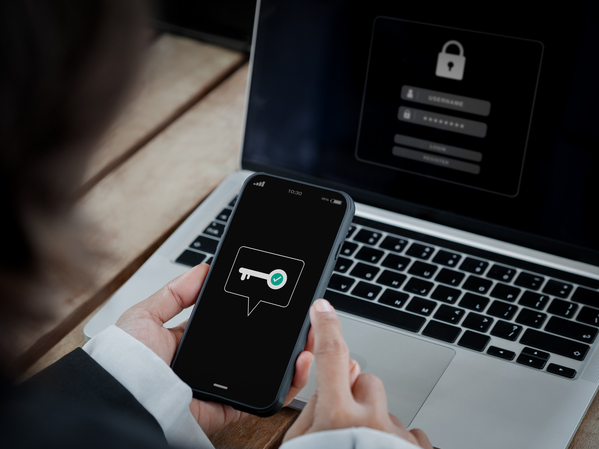
Multi-Factor Authentication (MFA): Implements reliable multi-factor authentication mechanisms to protect access to company data and applications.
-
Conditional Access: Grants access to company resources based on specific conditions such as device compliance, location, and security risk levels.
Best Practices for Implementing and Managing Mobile Device Management (MDM)
Effective MDM implementation and management require strategic planning and precise execution. Below are several best practices for companies adopting and managing MDM solutions:
1. Assess Business Needs and Security Requirements
Before selecting an MDM solution, it’s important to understand your business's specific needs and associated security requirements. Determine which devices will be managed and who will be using them.
Conduct a risk assessment to pinpoint potential security threats and specific data protection needs.
2. Choose the Right MDM Solution
With a wide variety of MDM solutions available, it's essential to choose one that best fits your company's needs. Ensure the MDM solution has the features required to meet your security and device management goals.
Select a scalable solution that grows with your business and integrates well with other IT systems.
3. Training and Support for IT Staff and End Users
Effective training for IT staff and end users is key to successful MDM implementation. Provide comprehensive training on how to use and manage MDM solutions.
Don’t forget to educate employees about mobile device usage policies and procedures related to lost or suspicious devices.
4. Regularly Update MDM Policies
The dynamic nature of the cybersecurity landscape requires companies to regularly update their MDM policies. Conduct periodic reviews of MDM policies to ensure compliance with the latest security standards and best practices.
5. Ensure User Compliance and Adoption
User involvement and compliance are critical to assessing the effectiveness of an MDM solution. Make sure all users understand MDM policies and the importance of data security. Use training sessions to raise awareness about security risks and safe device usage practices.
6. Monitor and Evaluate MDM Performance
Continuous monitoring and evaluation of MDM performance helps identify areas needing improvement. Use monitoring and reporting features to gain insights into device usage and policy compliance.
Periodically evaluate the effectiveness of the MDM solution in addressing security and device management needs.
Conclusion
Implementing Mobile Device Management (MDM) is not just about managing devices used in daily operations, but it’s about integrating a robust security layer that protects sensitive information from increasingly advanced cyber threats.
With capabilities such as lost device tracking, application management, enforcement of security policies, and secure data transmission, MDM provides a versatile solution to modern digital security challenges.
An effective MDM solution not only enhances a company’s security posture but also enables flexibility and employee productivity by ensuring safe work environments anytime and anywhere.
Moreover, considering technological advancements and the growing trend of remote work, the urgency of implementing MDM in a company’s cybersecurity strategy is expected to continue to rise.
Telkomsel Enterprise offers a Mobile Device Management (MDM) solution designed to secure employee devices that can be accessed anytime.
MDM protects devices and applications from data breaches and financial losses due to leaked data. With over 100 user accounts and productivity improvements of up to 90%, MDM is the right solution to enhance visibility into corporate device security.
The service enables seamless implementation via zero-touch enrollment, allowing devices to be ready for use immediately after MDM installation.
The service enables seamless implementation through zero-touch enrollment, ensuring MDM-enabled devices are ready to use immediately. MDM also offers flexible payment options, integration with other Telkomsel Enterprise solutions, and package-based or à la carte plans. With better-managed security systems, MDM controls permissions and access to the network, keeping company data safe.
Protect your company’s mobile devices from cyber threats with Mobile Device Management from Telkomsel Enterprise. Contact us to learn how this solution can secure your business devices effectively.