




In a world where cyber threats are growing more sophisticated by the day, protecting your online accounts with just a password is no longer enough. Enter Two-Factor Authentication (2FA), a smarter, stronger way to safeguard your personal and business data.
From banking apps to email logins, 2FA is becoming the gold standard in digital security. But what exactly is two-factor authentication, how does it work, and is it really worth the extra step? Let’s dive in and find out.
What is Two-Factor Authentication (2FA)?
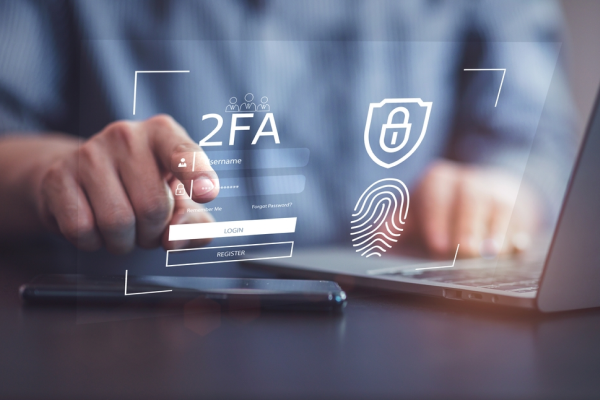
Two-Factor Authentication (2FA) is a security process that requires users to provide two different authentication factors to verify their identity before accessing an account or system.
This method is based on combining something you know (like a password), something you have (like a mobile device), and/or something you are (like a fingerprint). This layered approach significantly reduces the risk of unauthorized access.
Let’s break down the three main types of authentication factors:
-
Something You Know (Knowledge Factor)
This is typically information only the user should know such as a password, PIN, or answer to a security question.
While this is the most common form of authentication, it’s also the most vulnerable to attacks like phishing, brute-force hacking, or credential leaks.
-
Something You Have (Possession Factor)
This involves using a physical device or one-time code sent via SMS, email, or an authenticator app. Examples include OTP (One-Time Password) codes, security tokens, and smartphones or hardware keys. This factor makes it harder for hackers to gain access without physical possession of the device.
-
Something You Are (Inherence Factor)
Biometric identifiers such as fingerprints, facial recognition, voice recognition, or retina scans fall under this category.
Biometrics offer strong security since they are unique to everyone. However, they can be expensive to implement and raise concerns about privacy and data storage.
What is the function of 2FA?
So, what is the function of two-factor authentication (2FA)? Let’s break it down:
1. Stronger Security for Accounts and Systems
The primary advantage of using two-factor authentication is the significantly improved security it provides. With two independent layers of protection, even if one factor (like a password) is compromised, the attacker still needs the second factor to gain access.
2. Mitigates Financial and Reputational Risks
Data breaches can lead to heavy financial losses, legal issues, and damaged reputations. Implementing 2FA helps reduce the frequency and severity of these incidents, ultimately lowering the cost of cybersecurity for organizations.
3. Reduces Account Recovery Requests
By making accounts harder to hack, 2FA reduces the volume of customer service tickets related to account recovery, forgotten passwords, or unauthorized access.
4. Boosts User Confidence and Trust
When users see that your platform includes extra layers of protection, it reassures them. This sense of safety increases brand trust, improves user satisfaction, and enhances customer retention.
How Does Two-Factor Authentication Work?
Two-Factor Authentication (2FA) enhances account security by requiring users to provide two distinct forms of identification before granting access. This method significantly reduces the risk of unauthorized entry, even if a password is compromised.
Let’s walk through how 2FA authentication typically works:
1. User Enters Login Credentials (First Factor)
The process begins when the user enters their username and password, which serves as the first layer of authentication, something they know. The system then checks these credentials against its database.
If the login details are incorrect, the authentication process stops immediately.
2 System Requests Second Authentication Factor
Once the first factor is verified, the system prompts the user for the second factor something they have or are. This could include:
-
A One-Time Password (OTP) sent via SMS, email, or generated by an authenticator app
-
A security token (physical or software-based)
-
Biometric verification such as fingerprint scanning or facial recognition
-
A push notification approval from a trusted device
This second step ensures that only the legitimate user can gain access, even if someone else knows the password.
3. Verification of the Second Factor
The system validates the second authentication factor. For example:
-
If using OTP, the code entered must match what the server generates.
-
If using biometrics, the scan must match the stored data.
-
With push notifications, the system confirms the user approved the login request.
4. Access Granted
Once both factors are successfully validated, the user is granted full access to the account or system. This dual-step verification provides a much higher level of security than passwords alone.
Types of Two-Factor Authentication Methods
There are several ways to implement two-factor authentication, each offering varying levels of security and convenience. Here are the most common methods:
1. Hardware Token
A hardware token is a small physical device that generates a one-time code at regular intervals (usually every 30–60 seconds). These tokens are often used in high-security environments like banking and enterprise systems.
2. Software Token
Instead of a physical device, a software token uses an app (like Google Authenticator or Authy) to generate time-based OTP codes. These are widely used due to their ease of access and integration.
3. SMS-Based Authentication
SMS-based 2FA sends a unique OTP code to the user’s mobile number via text message. While convenient, this method is vulnerable to SIM-swapping attacks and should ideally be paired with another form of verification.
4. Push Notification Authentication
With this method, users receive a real-time push notification on their registered device. They simply tap 'Approve' or 'Deny' completing the login. This is faster and more user-friendly than entering codes manually.
5. Biometric Authentication
Biometric 2FA uses unique biological traits such as fingerprints, facial recognition, voice patterns, or iris scans. This method offers strong security but requires compatible hardware and raises some privacy concerns.
6. Magic Link Authentication
Magic links are unique URLs sent to a user's email or phone number. Clicking the link automatically logs them in without needing to enter a password. While convenient, magic links should be used carefully to avoid phishing risks.
7. One-Time Password (OTP)
An OTP is a temporary code valid for a single login session or transaction. It can be delivered via SMS, email, or generated by an authenticator app. OTP is one of the most widely adopted 2FA methods due to its simplicity.
Advantages and Disadvantages of Two-Factor Authentication
While 2FA adds a powerful layer of protection, it also comes with trade-offs. Let’s explore both sides.
Advantages of Two-Factor Authentication
-
Enhanced Security
Even if your login credentials are compromised, the account stays secure without the second verification factor.
-
Unauthorized Access Prevention
By requiring something the attacker doesn’t have (like your phone or biometric data), 2FA makes brute-force and phishing attacks less effective.
-
Flexibility and Options
2FA systems offer multiple verification methods, allowing businesses to choose the most suitable ones based on user behavior and security level.
-
Regulatory Compliance
Industries that handle sensitive data (such as finance, healthcare, and e-commerce) must comply with regulations like GDPR, HIPAA, or PCI DSS, many of which require or recommend 2FA implementation.
-
Improves Brand Credibility
Adopting strong security measures helps businesses build a reputation for safety and reliability, earning user loyalty and trust.
Disadvantages of Two-Factor Authentication
-
Device Dependency
If users lose their phone, delete the authenticator app, or can't access SMS, they may be locked out of their accounts.
-
Vulnerability of Second Factor
Not all 2FA methods are equally secure. For example, SMS-based OTP can be intercepted or hijacked through SIM-swap attacks. That’s why experts recommend using more secure alternatives like authenticator apps or hardware tokens.
-
Slower Login Process
Needing to enter a code or scan a fingerprint can slow down the login process, especially for users accessing multiple services frequently.
-
Technical Issues
OTP delivery delays, app sync problems, or server outages can prevent successful logins, causing frustration.
-
Still Not Foolproof
Although 2FA improves security, it’s not immune to advanced threats. Phishing, malware, and man-in-the-middle attacks can sometimes bypass 2FA protections if not implemented securely.
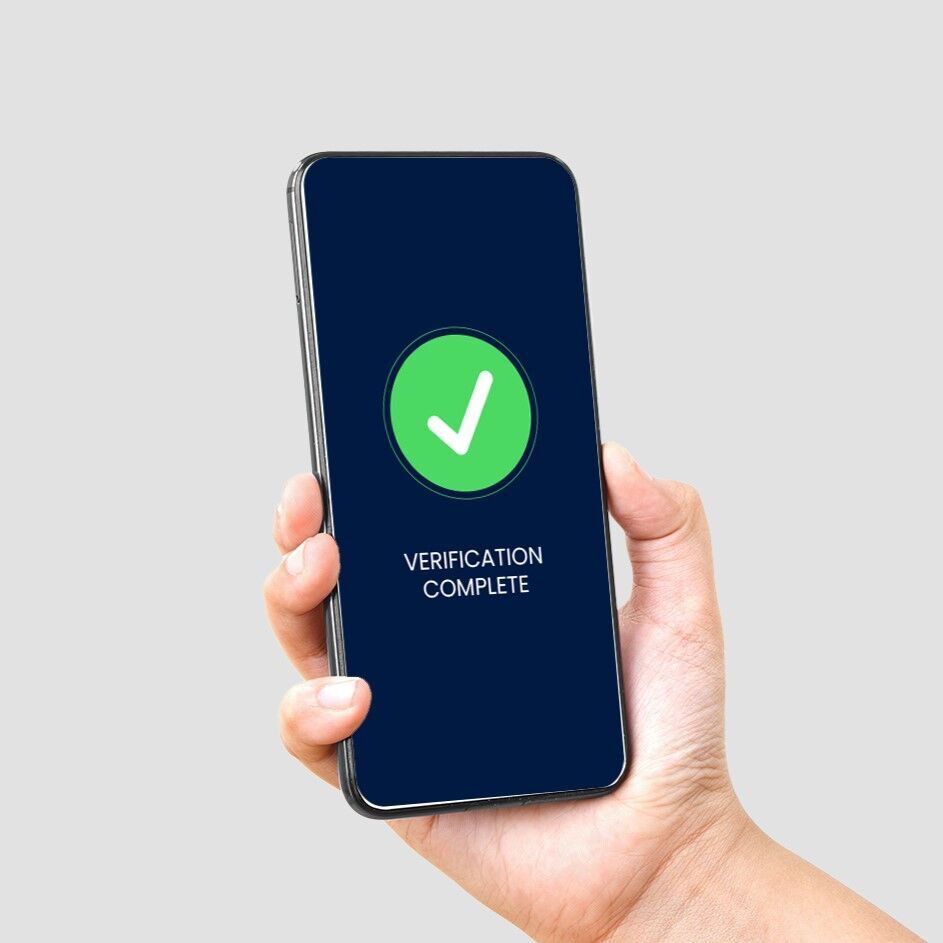
2FA is powerful, but its usability can be a challenge. That’s where seamless verification solutions like Telco Verify by Telkomsel Enterprise step in.
Telco Verify offers a passwordless, network-based 2FA authentication method. It verifies users automatically through their mobile network without requiring PINs, codes, or biometrics.
This approach improves user experience while maintaining strong security, ideal for apps, banking, e-commerce, and enterprise systems. Whether you're securing a personal account or implementing enterprise-level security, adopting two-factor authentication is a smart move toward better online safety.
Want to enhance your app’s security without compromising on usability? Explore Telco Verify and transform the way your users authenticate, safely and effortlessly.
Contact us today to learn more!