





The widespread use of mobile devices in the business world has evolved from a trend to a necessity.
More and more companies are relying on mobile technologies such as smartphones, tablets, and laptops to support daily operations, from internal communication to handling business transactions and sensitive data. While this digital transformation increases productivity, it also introduces new layers of risk, particularly in terms of cybersecurity.
As mobile usage grows, so do the risks. Advanced mobile device security threats like phishing, malware, and sophisticated cyberattacks continue to evolve, becoming harder to detect and prevent. This makes mobile device security management a critical concern for any business that depends on digital workflows.
Managing mobile device security effectively requires more than just technology. Employee awareness and proper education are just as vital in building a secure environment. Without a holistic approach that combines tools, policy, and culture, even the most advanced systems can fall short.
Mobile Device Security Best Practices to Prevent Business Threats
Here are seven best practices you can implement to improve the security of mobile devices used in your business operations.
1. Implement a Comprehensive Data Loss Prevention (DLP) Policy
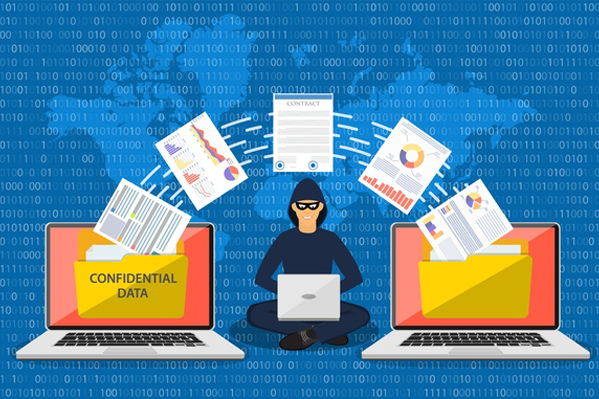
The first step in securing mobile devices is to implement a strong Data Loss Prevention (DLP) policy. This policy is designed to prevent unauthorized access, storage, or transfer of sensitive data. It’s not just about blocking data leaks, but it's about actively managing who can see and interact with company data at any given time.
A well-defined DLP policy includes stringent access controls, encryption protocols, and real-time monitoring of data transfers. Sensitive information stored on mobile devices, as well as data transmitted through company networks, must be protected using credible encryption technologies. In addition to encryption, access to data must be restricted only to users with appropriate roles and responsibilities.
Role-based access control (RBAC) is one of the most effective methods for managing permissions. With RBAC in place, each employee can only access information relevant to their job function, minimizing the risk of accidental or malicious data exposure. These DLP controls should be integrated seamlessly with your mobile device management tools to provide centralized oversight.
2. Launch Employee Training & Awareness Programs
After setting up a solid DLP foundation, the next step is ensuring that employees are fully educated on the risks associated with mobile device usage. Regular training programs are essential to maintain a security-conscious workforce that understands how to recognize and respond to potential threats.
Employee training should cover essential security topics such as identifying phishing attacks, understanding the importance of software updates, and following best practices for safe mobile device usage both inside and outside the office. These sessions should be held routinely, not just during onboarding, to reinforce awareness as threats evolve.
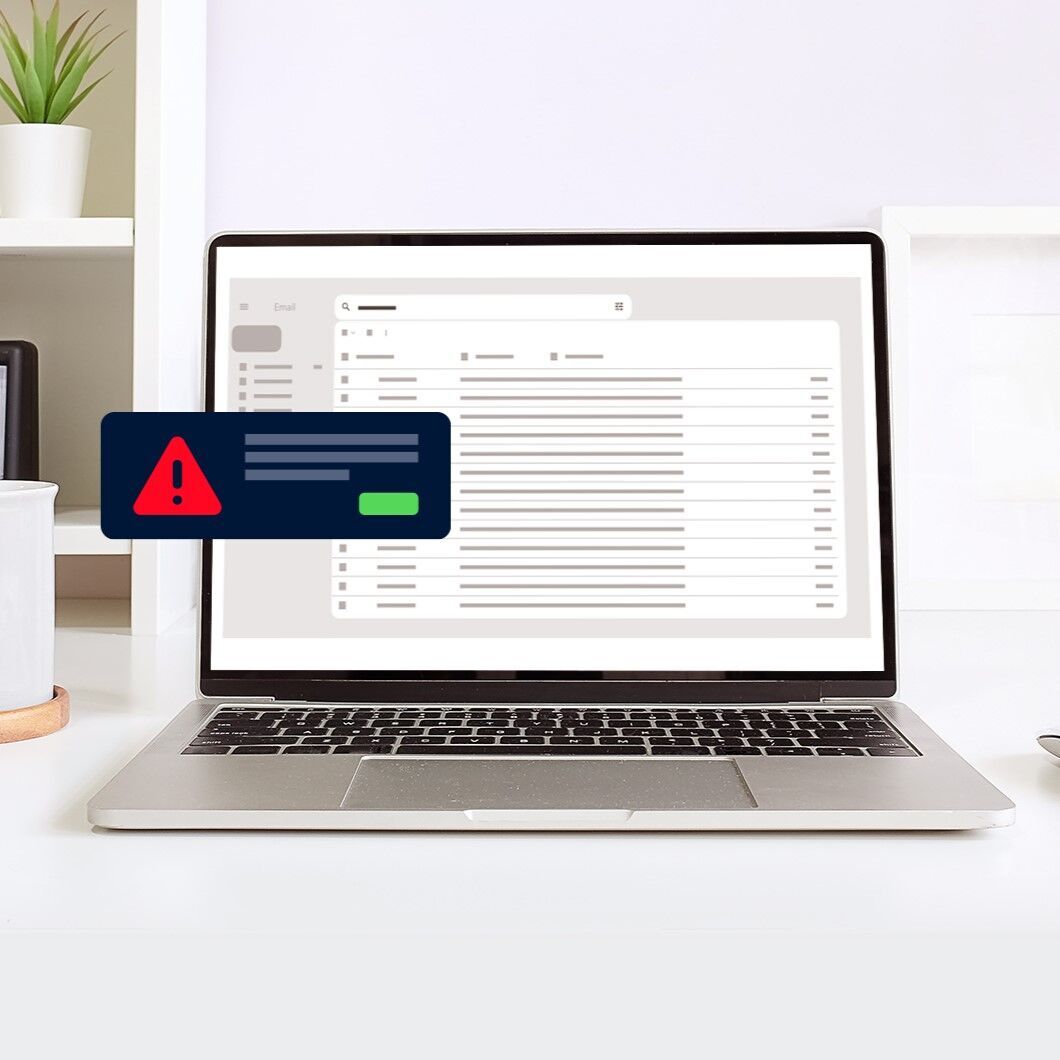
For instance, employees must be trained to spot suspicious emails that may be part of a phishing campaign, one of the most common entry points for hackers seeking to steal sensitive information. They should also understand why software updates are not optional. Every update, especially security patches, helps close vulnerabilities that could otherwise be exploited by attackers.
By investing in education, businesses empower their teams to make informed decisions and avoid behaviors that could compromise mobile device security.
3. Deploy Mobile Device Management (MDM) Solutions
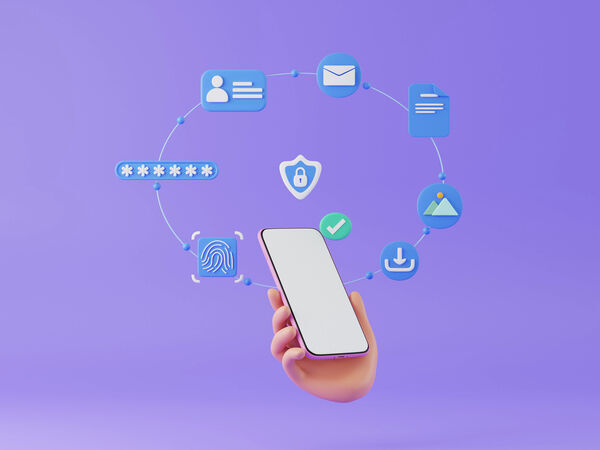
While employee training is vital, it must be supported by technical tools that provide control and oversight. This is where Mobile Device Management (MDM) solutions play a key role. MDM platforms give businesses the ability to configure, secure, and monitor mobile devices remotely, ensuring all endpoints comply with corporate security policies.
With a well-implemented MDM system, companies can enforce the use of approved applications, block risky downloads, and even lock or wipe out a device that has been lost or stolen. These capabilities provide the flexibility to manage devices across multiple operating systems such as Android and iOS, making them ideal for companies with a mix of personal and corporate devices.
MDM also supports centralized policy enforcement, so whether your employees are working from home or on-site, their devices remain secure and aligned with your company’s compliance standards. As your mobile workforce grows, a reliable MDM solution ensures that device security does not become a bottleneck for business operations.
4. Enable Remote Lock & Wipe Protocols
Even with MDM in place, there’s always a risk of devices being lost or stolen. To handle such incidents effectively, your business must have a clearly defined remote lock and wipe policy. This policy should allow your IT team to lock a compromised device immediately and erase any company data stored on it to prevent unauthorized access.
Quick response is critical in such situations. The lock and wipe process must be simple, fast, and reliable, minimizing the time between identifying the loss and neutralizing the risk. The longer a stolen device remains unsecure, the greater the chance of sensitive data falling into the wrong hands.
In addition to lock and wipe capabilities, device tracking features should be integrated to help monitor the location of company devices. This helps in both recovering lost equipment and responding quickly if unusual activity is detected. When implemented properly, remote control features act as an effective last line of defense against data breaches stemming from physical device loss.
5. Schedule Regular Software Updates
No matter how well-protected a device is, if it’s running outdated software, it remains vulnerable to attacks. Hackers frequently exploit known vulnerabilities in older software versions, which makes regular updates a critical part of your mobile device security management strategy.
Your company should enforce policies requiring users to update their operating systems and security software as soon as updates become available. These updates often include patches that fix security flaws, so delaying them exposes your entire network to unnecessary risk.
Consider using software that supports automatic updates to make this process more seamless. Automation reduces the burden on your IT team and ensures that all devices receive the latest protections in a timely manner. This helps close potential entry points before they can be exploited by cybercriminals.
6. Strengthen Authentication and Access Management
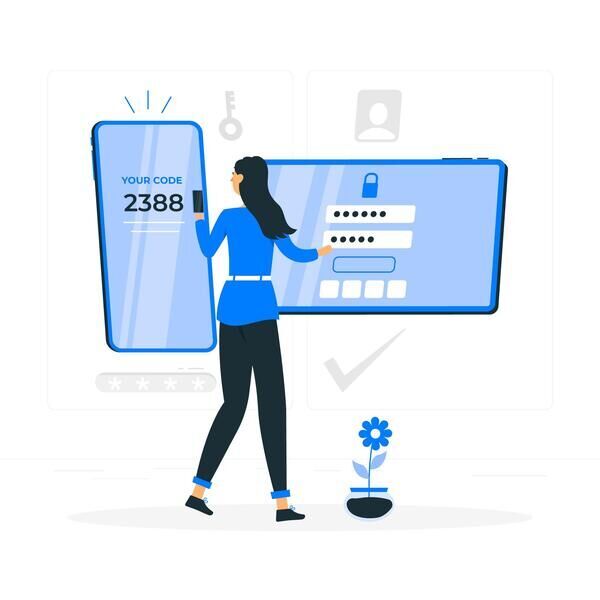
Another vital component of mobile security is strong authentication. Protecting devices with passwords is no longer sufficient on its own. Your business should implement multi-factor authentication (MFA) to ensure that only authorized users can access company systems and data.
This involves requiring multiple verification steps, such as entering a password followed by a unique code sent to the user’s mobile device or using biometric authentication like fingerprint or facial recognition. Some enterprises also adopt Telco Verify, a verification method that automatically authenticates users through the mobile network.
PIN code policies should be enforced across all devices to maintain baseline security, while MFA acts as an additional barrier against unauthorized access. When combined, these methods significantly enhance the security of mobile devices and reduce the risk of identity theft or unauthorized data access.
7. Monitor Device Compliance with MDR Platforms
Finally, maintaining real-time visibility into device health and compliance is essential for preemptively stopping threats. Managed Detection and Response (MDR) platforms help monitor your mobile and desktop devices, offering insights into suspicious activity and enabling early intervention.
MDR services allow businesses to detect cyberattacks before they escalate, protect endpoints from ransomware, and ensure laptops and computers meet internal security standards. This continuous monitoring is especially important for businesses with remote or hybrid workforces that use a mix of personal and corporate devices.
Conclusion
Protecting mobile devices in a corporate environment is a multifaceted challenge that requires a combination of smart policies, modern technologies, and ongoing employee engagement. By adopting the seven best practices above, your business can effectively reduce exposure to mobile device security threats and strengthen your mobile device security management framework.
Remember, security isn’t just the responsibility of the IT team. It requires a company-wide commitment, from executives to end-users, to create a truly secure environment.
At Telkomsel Enterprise, we offer advanced Managed Detection & Response (MDR) services tailored to enterprise environments. Our solution protects your laptops and computers from ransomware, phishing, and other cyber threats, helping you save costs, improve efficiency, and boost overall security.
Contact us today to learn how our MDR platform can enhance your mobile device security management strategy and keep your business safe from evolving digital threats.